
Win and keep good work
Give every customer issue a clear owner.
Service request intake, triage, priority management, assignment, and resolution tracking.
Useful to the people doing the work
Where customer service fits
CSR and office
Capture the right details and keep the next action visible.
Sales
Move opportunities forward with the history and ownership intact.
Owner or manager
See where work is being won, delayed, or lost.
See customer service in Service Opus
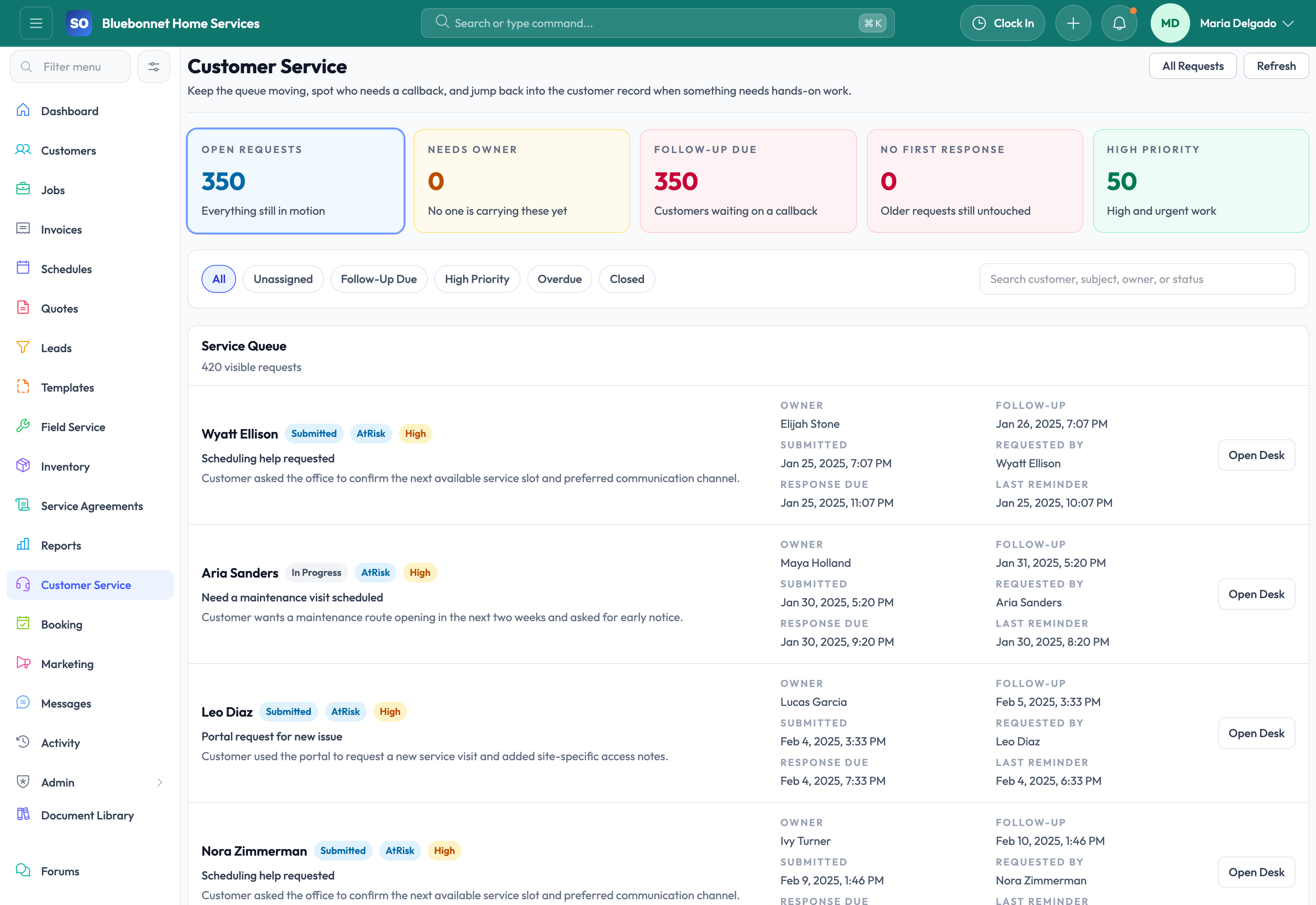
How the work moves
A practical way to run this workflow
Route customer requests into the right operational path while keeping context visible.
Who uses it
- Customer service representatives handling calls, emails, and portal requests.
- Dispatchers triaging urgent service issues.
- Managers monitoring response quality and unresolved requests.
Set it up right
- Define service request categories, priority levels, and escalation rules.
- Confirm which requests should become leads, jobs, booking requests, or internal tasks.
- Prepare response templates for common situations.
Run the workflow
- Open or create the customer record and confirm the caller, location, and service need.
- Log the request with category, priority, description, attachments, and preferred response channel.
- Assign ownership and set the next action deadline.
- Route urgent work to dispatch or job creation.
- Close the request only after the next operational record or customer response is complete.
Do not let this slip
- Every open request has an owner and priority.
- Customer promises are recorded in the request history.
- Urgent requests are visible to dispatch before schedule decisions are locked.
- Closed requests include a clear resolution.
What it hands off to
- Customers for account and location history.
- Booking and Portal for inbound customer self-service.
- Jobs for dispatchable service work.
- Communications for message history.
See it with your process
Walk through customer service using the way your company works today.
No generic slide deck. Bring a real handoff, problem, or operating question and see how the workflow fits.