
Build a business that holds up
Know who is available, qualified, and ready for the work.
Manage employees, teams, skills, time off, safety, and certifications. Review supported gross-wage calculations and export a CSV for manual external-provider payroll handoff.
HR launch scope
Workforce records and payroll handoff, with clear boundaries
Service Opus prepares supported gross-wage calculations from approved time and preserves the evidence. When configured and approved, a payroll CSV can be downloaded for manual handoff to an external provider. Service Opus does not transmit payroll to providers, pay employees, calculate or file employment taxes, issue W-2s, or verify statutory payroll completion.
EEO-1 reporting, Davis-Bacon/prevailing-wage certified payroll preparation or submission, and benefits administration (including ACA, COBRA, and ERISA administration) are not included in the initial launch.
Useful to the people doing the work
Where hr and employees fits
Administrator
Set up the rules, access, and records the rest of the company relies on.
Manager
Keep team readiness, ownership, and exceptions visible.
Owner
Reduce avoidable risk while keeping the company practical to run.
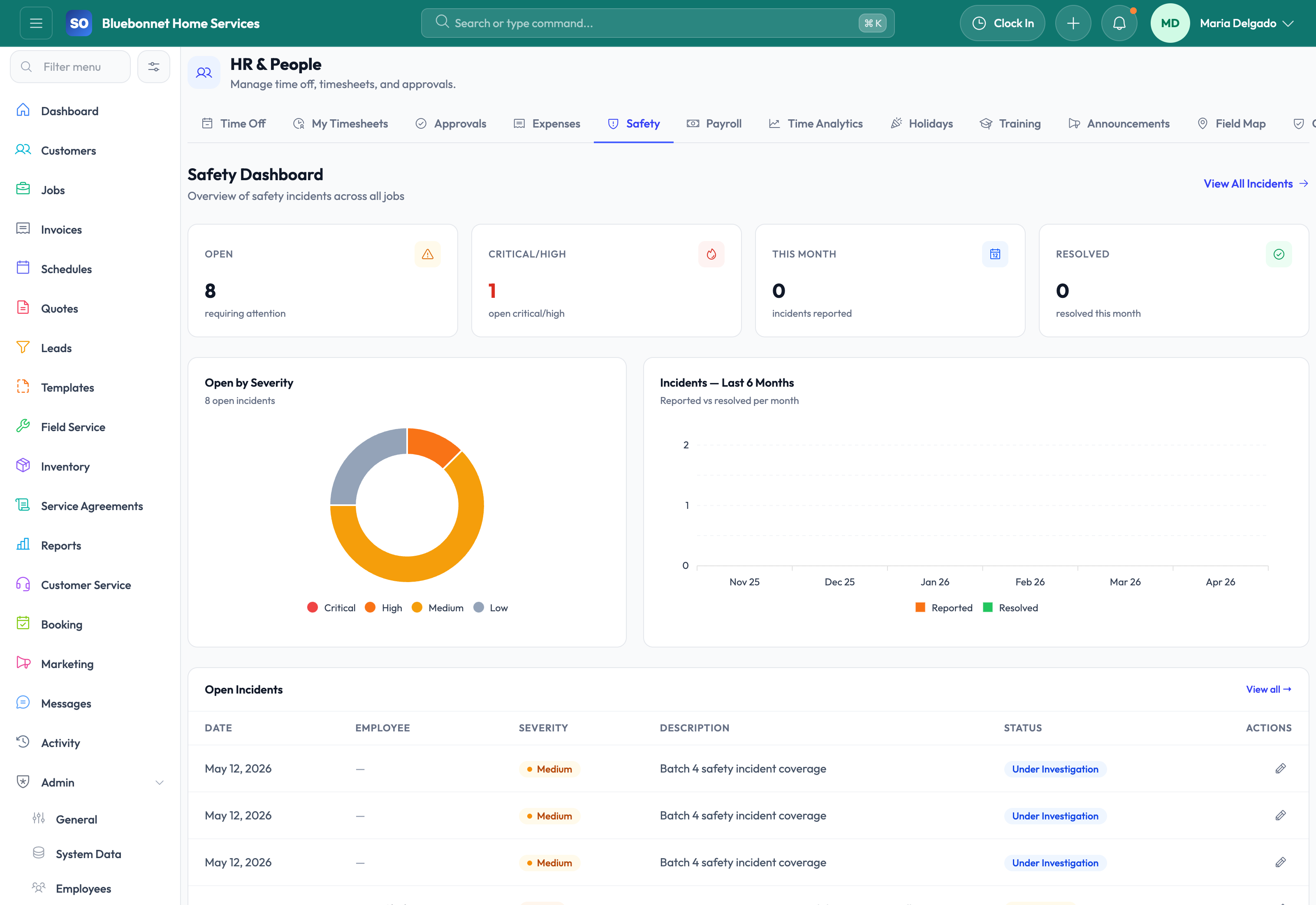
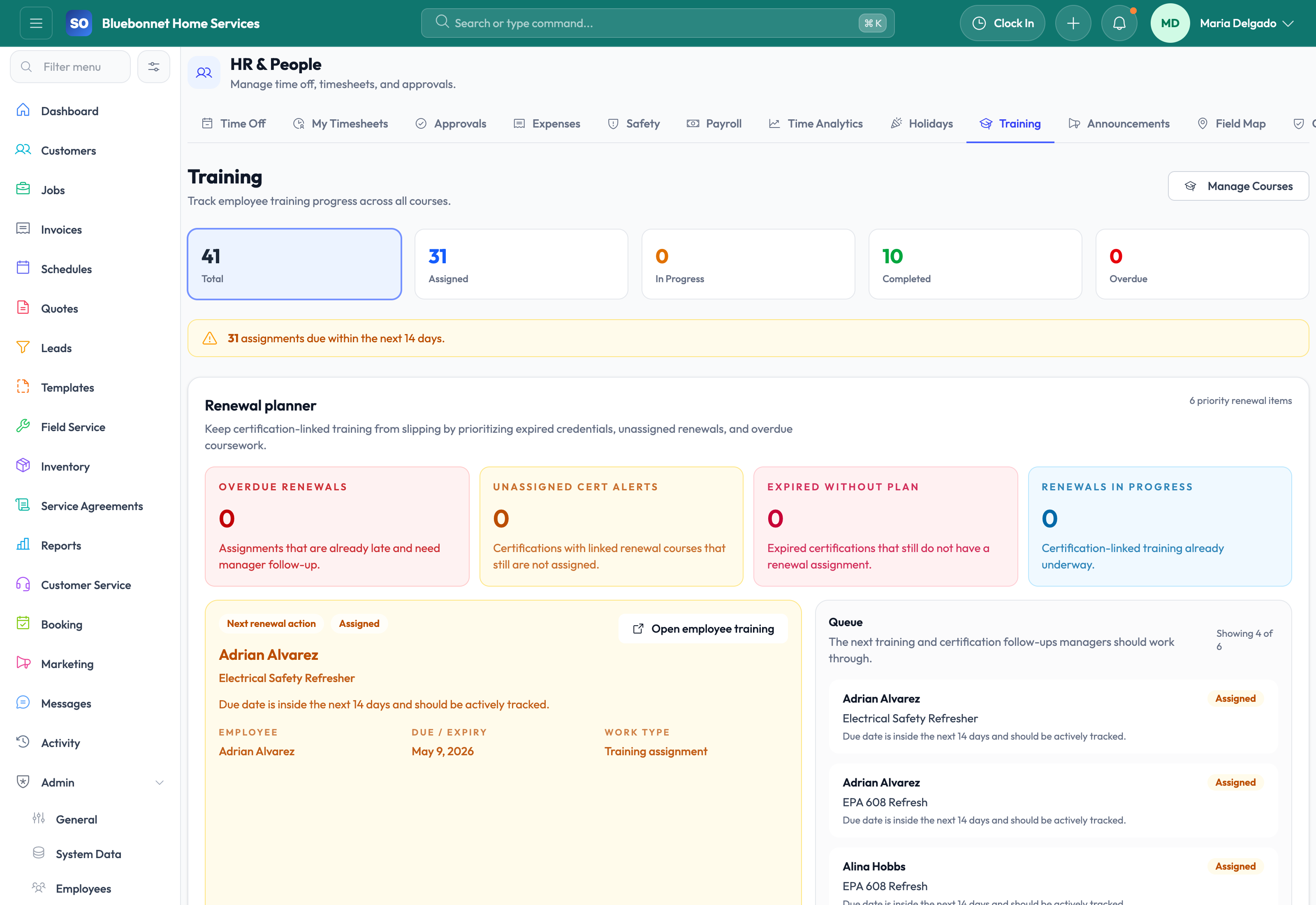
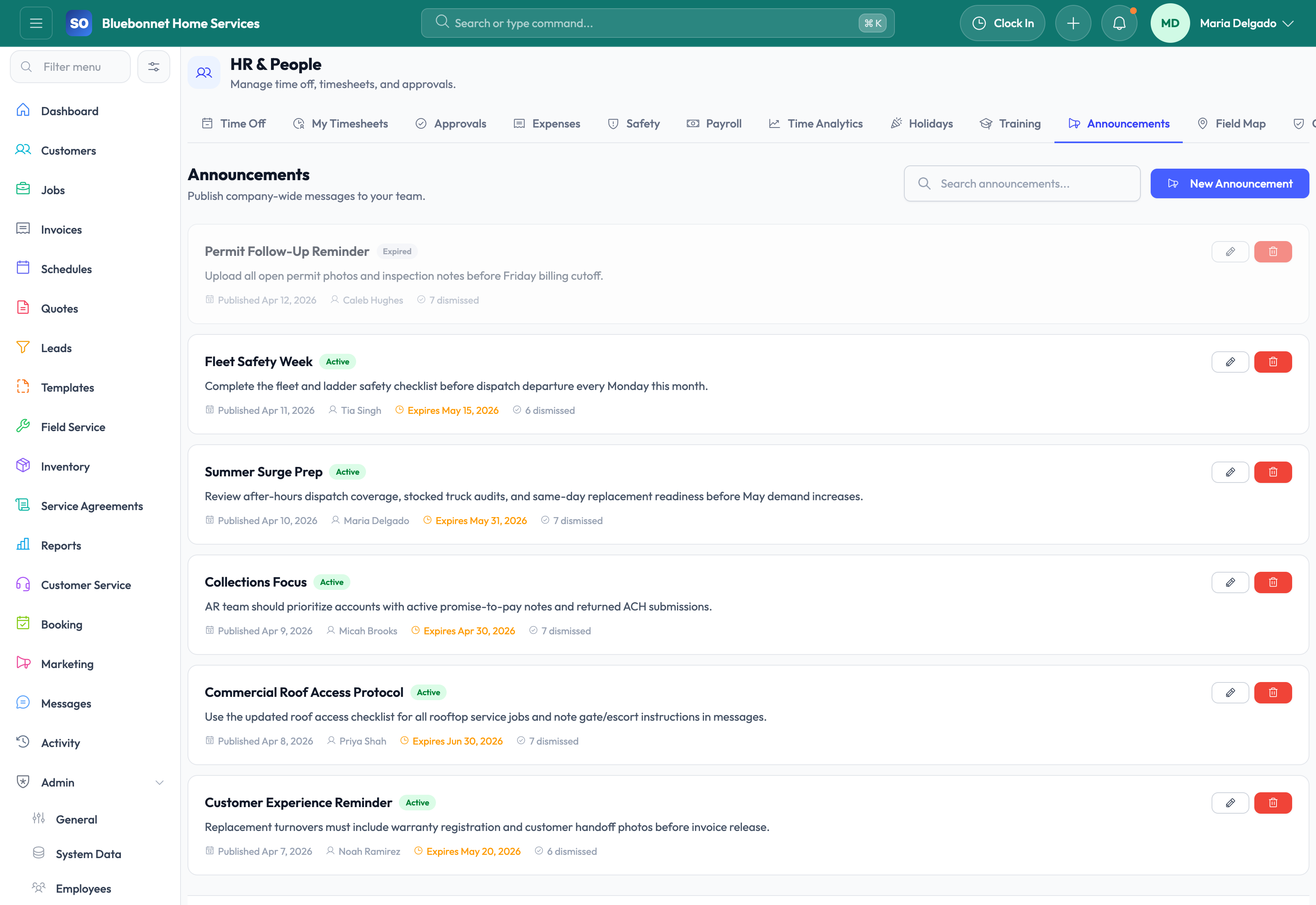
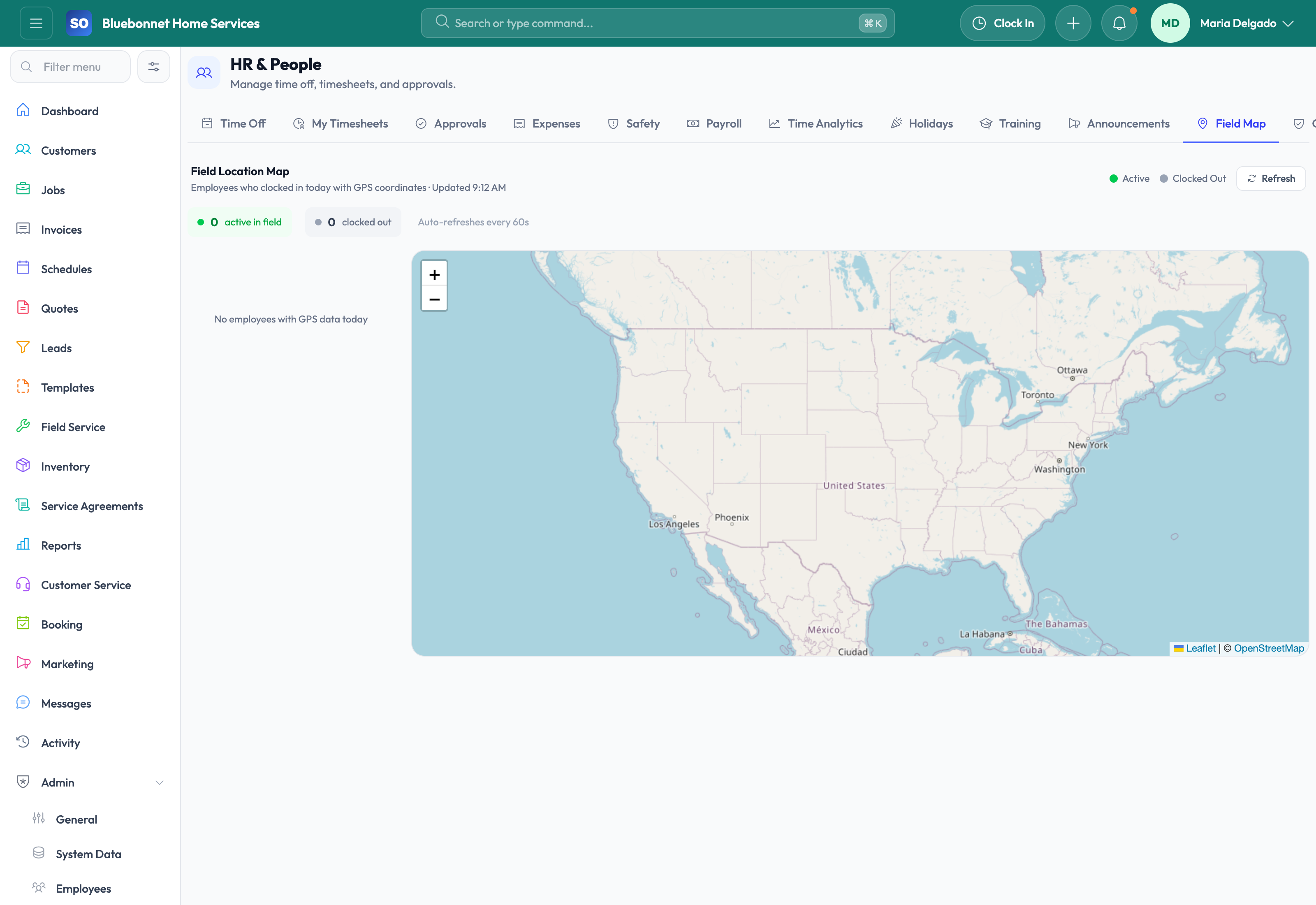
See hr and employees in Service Opus
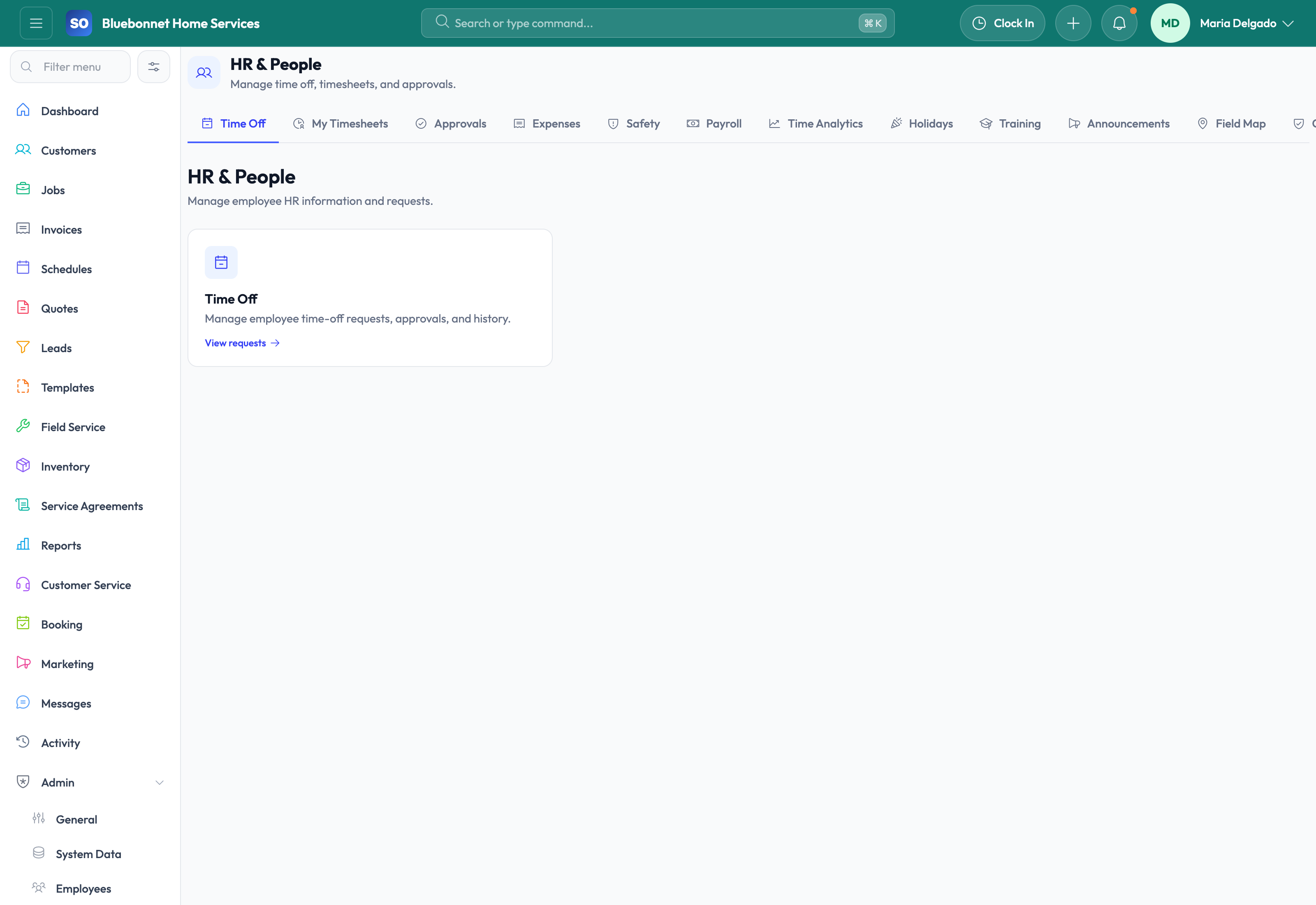
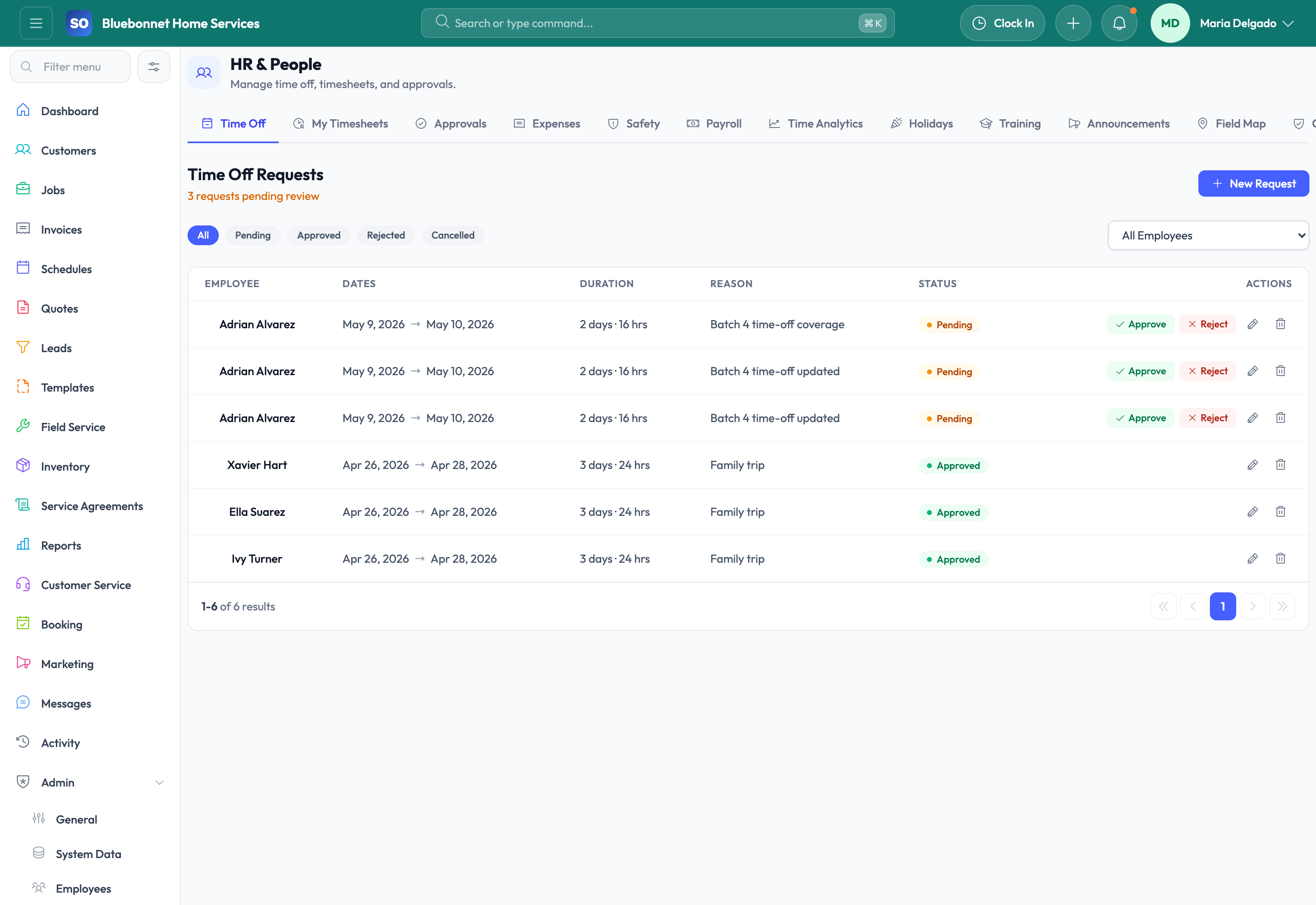
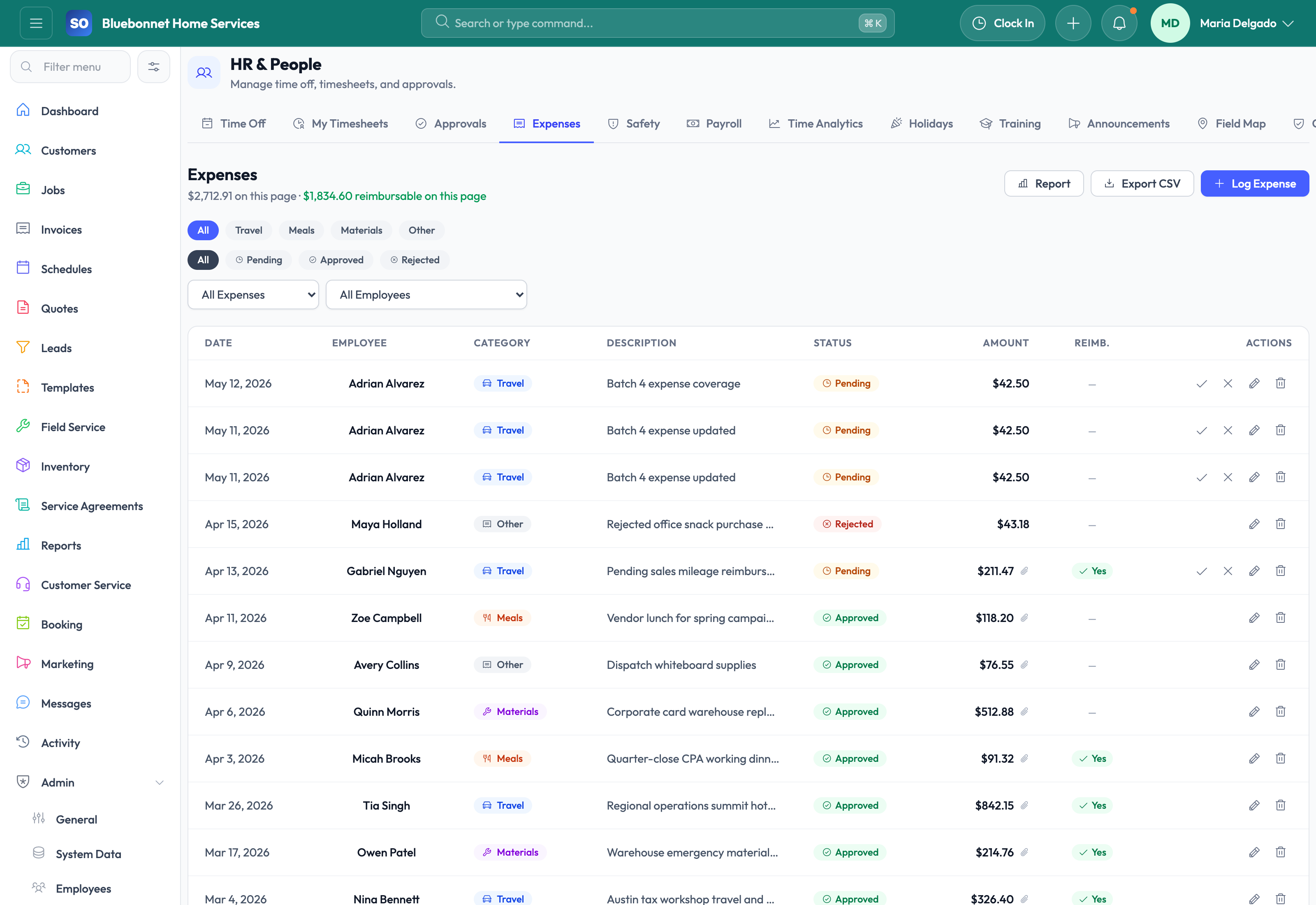
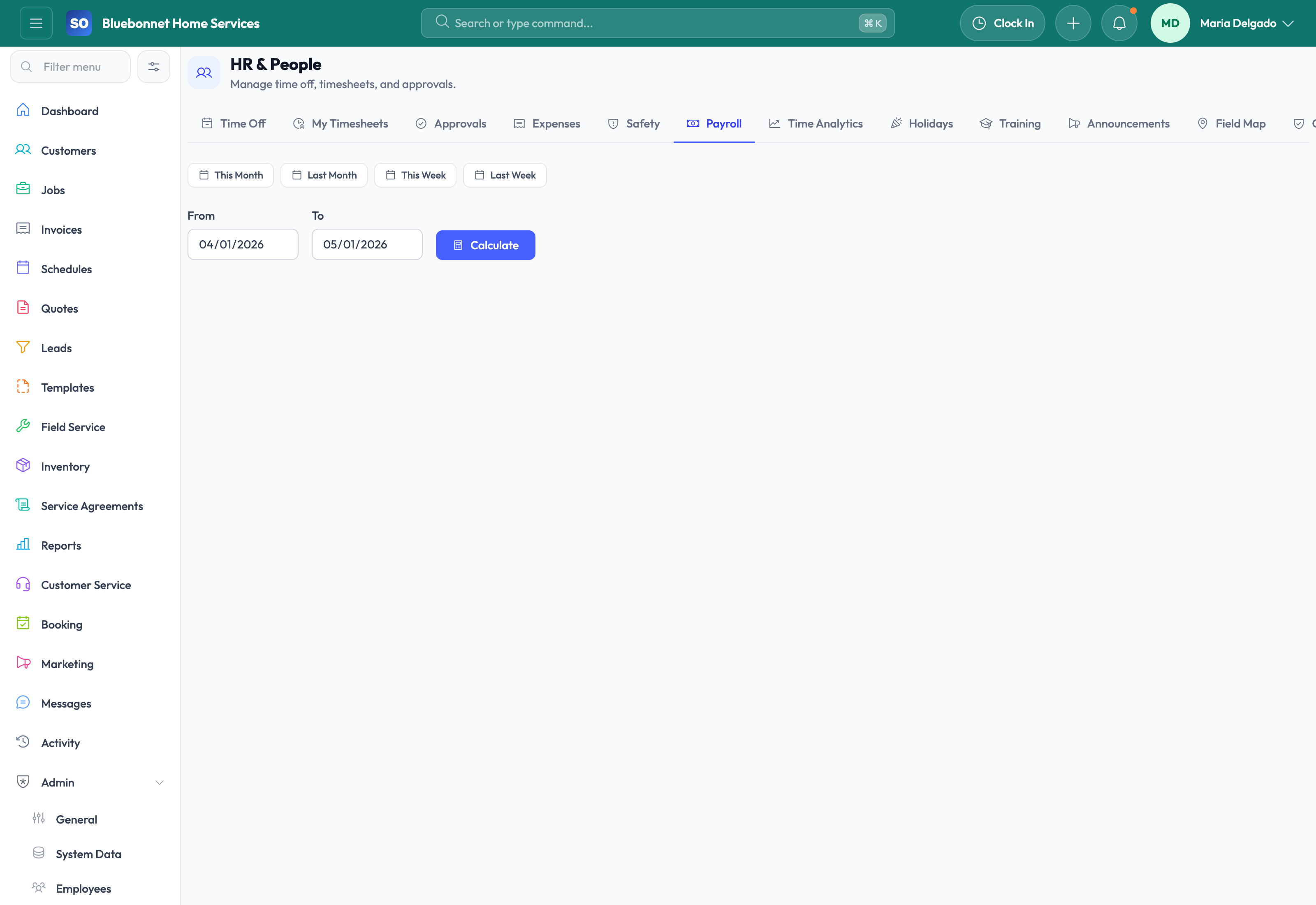
How the work moves
A practical way to run this workflow
Keep employee data, availability, skills, certifications, time off, payroll context, and team readiness current.
Who uses it
- Managers maintaining employees, teams, roles, and permissions.
- Dispatchers relying on skills and availability.
- Supervisors reviewing time off, safety, training, and certifications.
Set it up right
- Create employee profiles with role, contact, team, working hours, skills, and permissions.
- Define time-off workflows, training records, certification types, and safety incident categories.
- Confirm who approves requests, expenses, payroll review, and employee changes.
Run the workflow
- Maintain employee profiles, team assignments, skills, working hours, and location context.
- Review time-off requests before scheduling future work.
- Track training, safety, certifications, expenses, payroll context, and announcements.
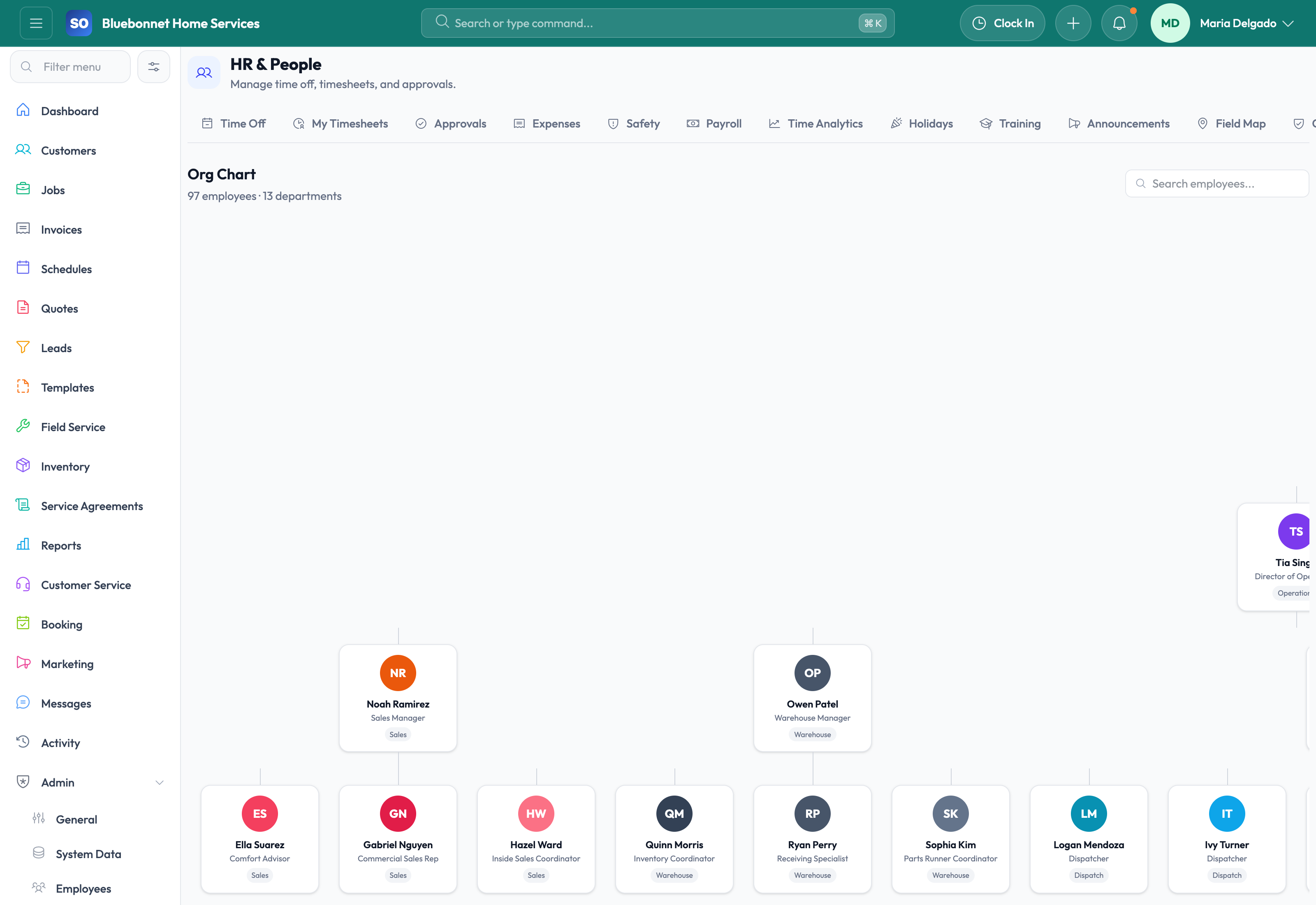
- Use field maps and org views to understand team deployment and reporting structure.
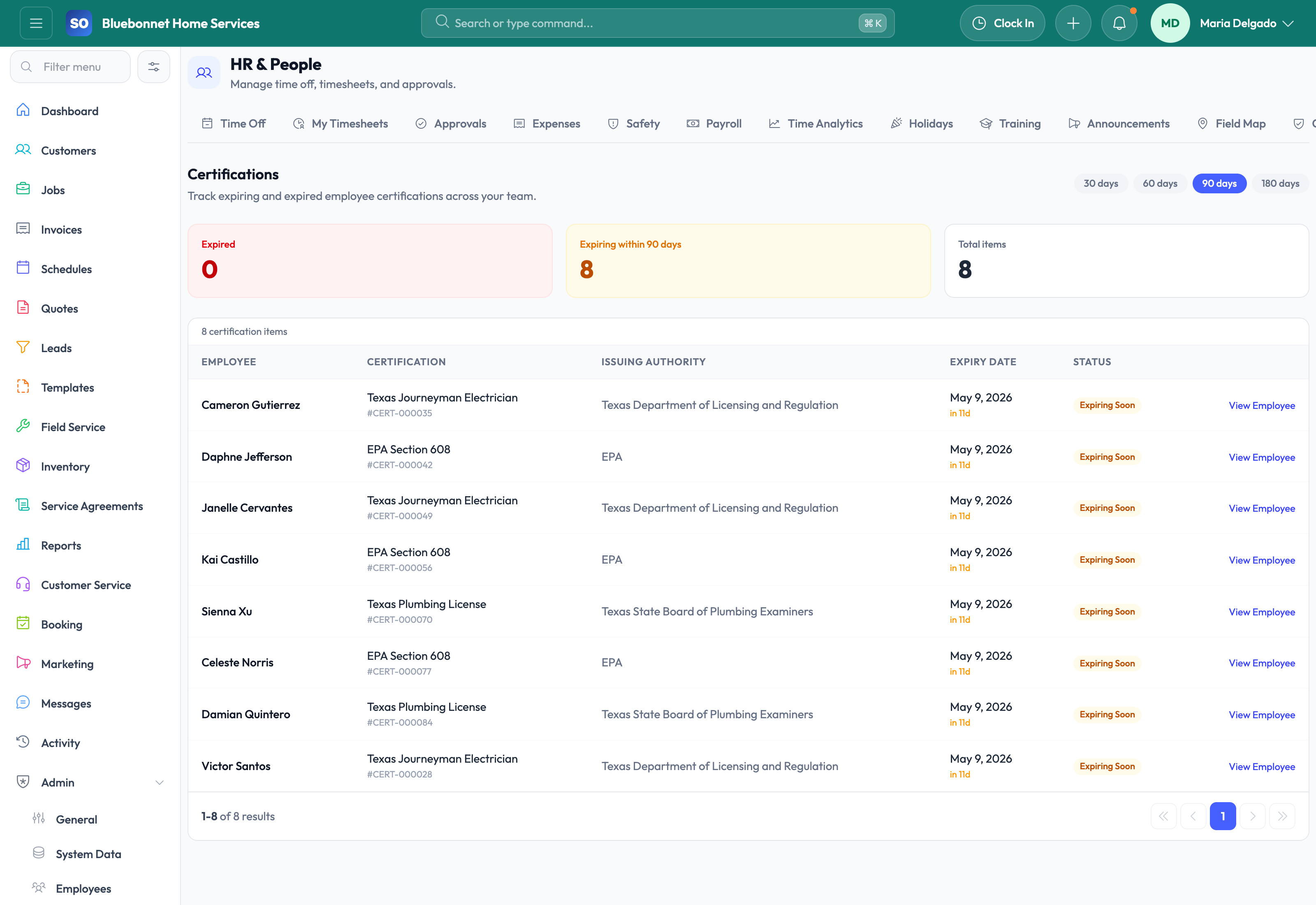
- Review expiring certifications or workforce gaps before they affect assignments.
Do not let this slip
- Inactive employees are removed from scheduling and assignment choices.
- Skills and certifications are current enough for dispatch decisions.
- Time off is approved or rejected before schedules are finalized.
- Sensitive employee data is limited to appropriate roles.
What it hands off to
- Scheduling and Dispatch for availability and skill fit.
- Time Tracking for labor capture.
- Compliance for certification and safety risk.
- Settings and Config for roles and permissions.
See it with your process
Walk through hr and employees using the way your company works today.
No generic slide deck. Bring a real handoff, problem, or operating question and see how the workflow fits.