
Run a better service day
Build a day the field can actually finish.
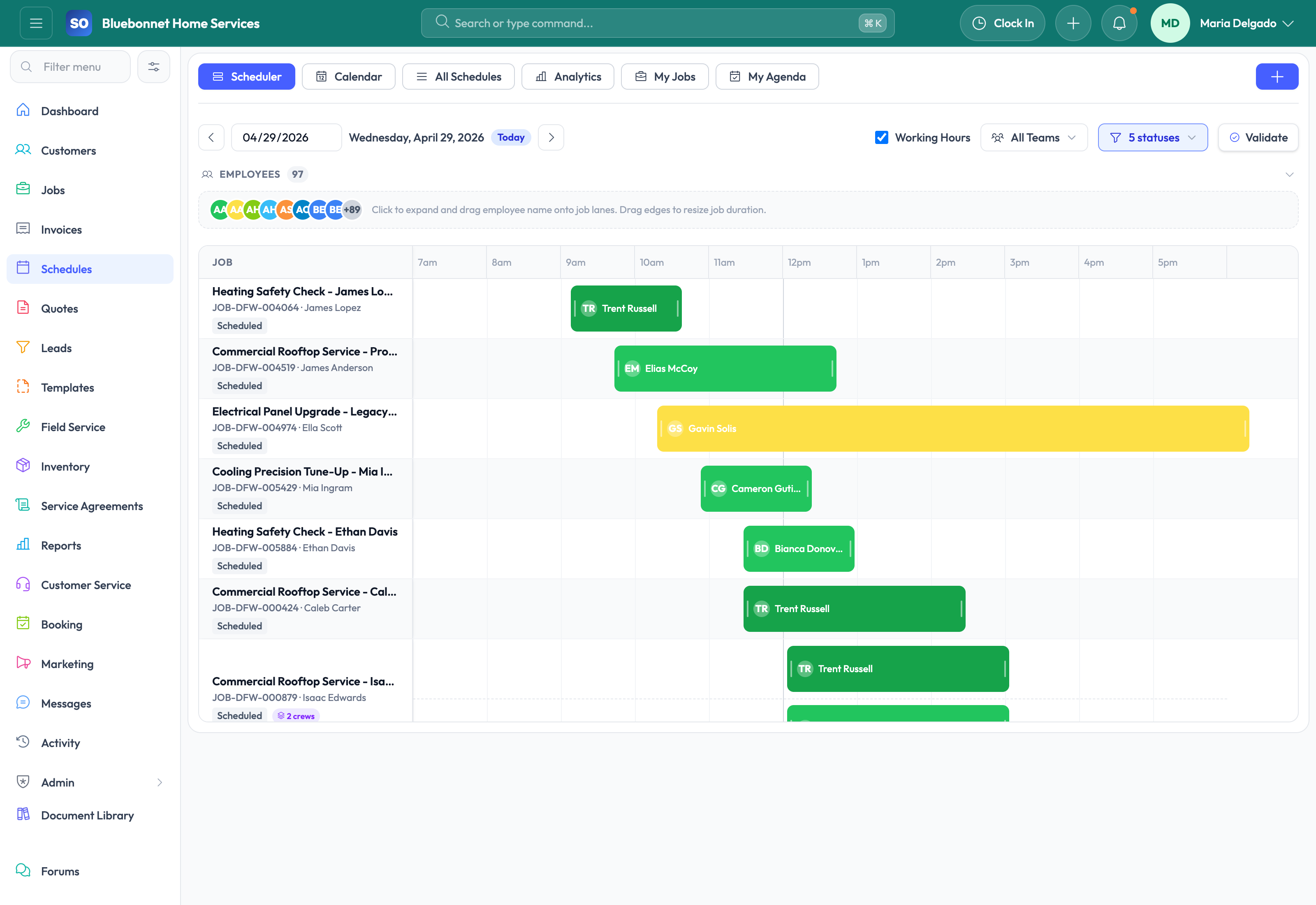
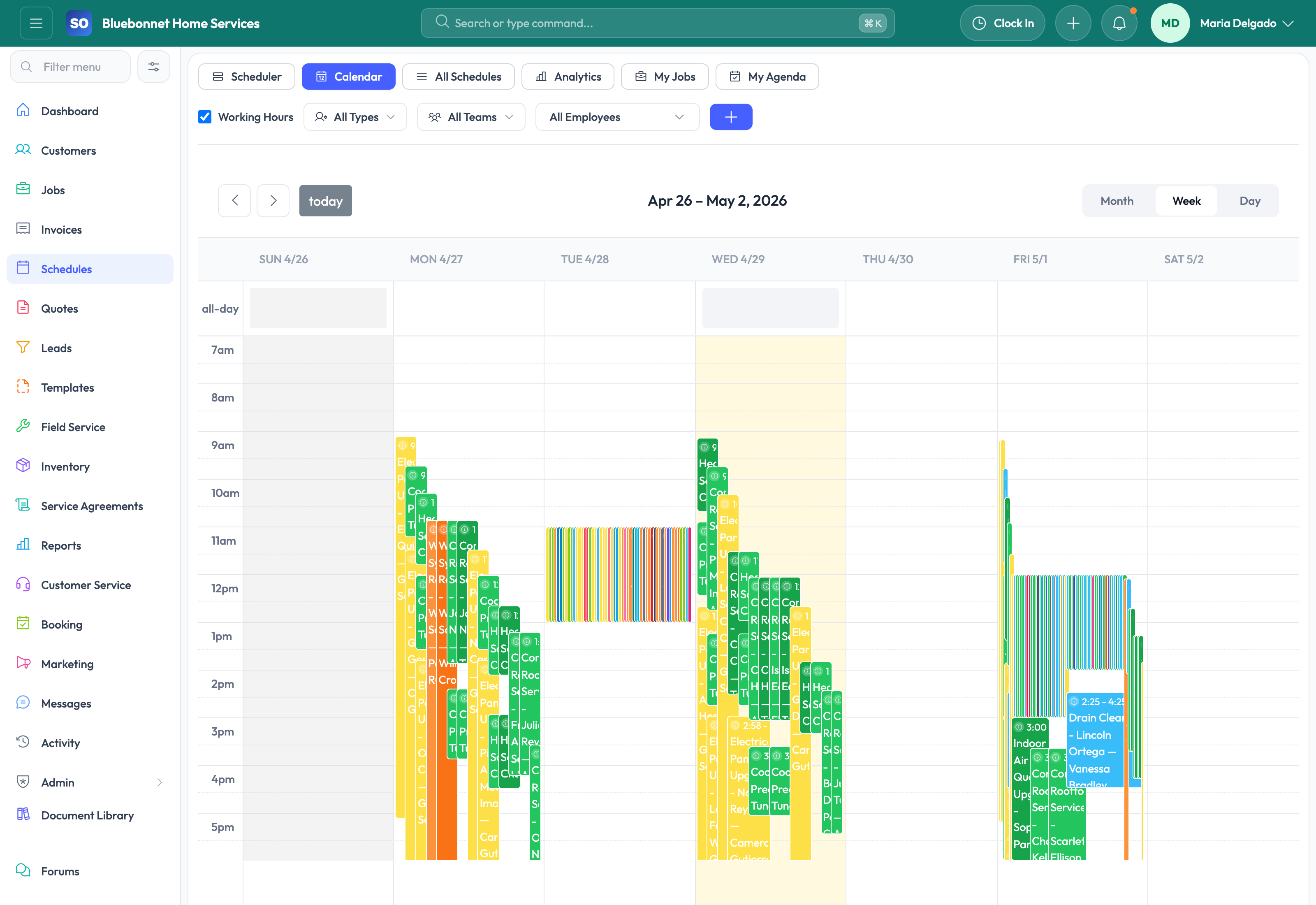
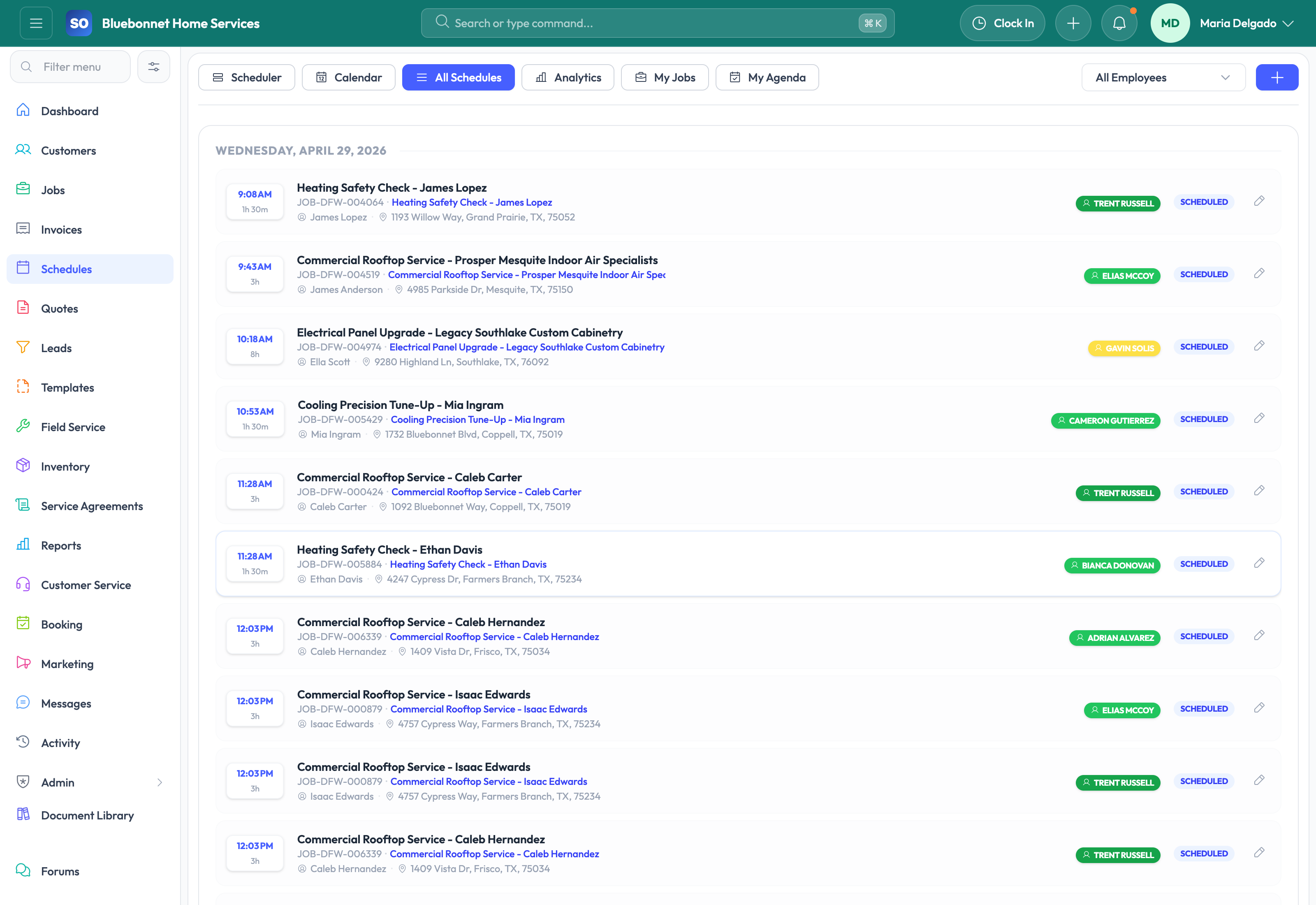
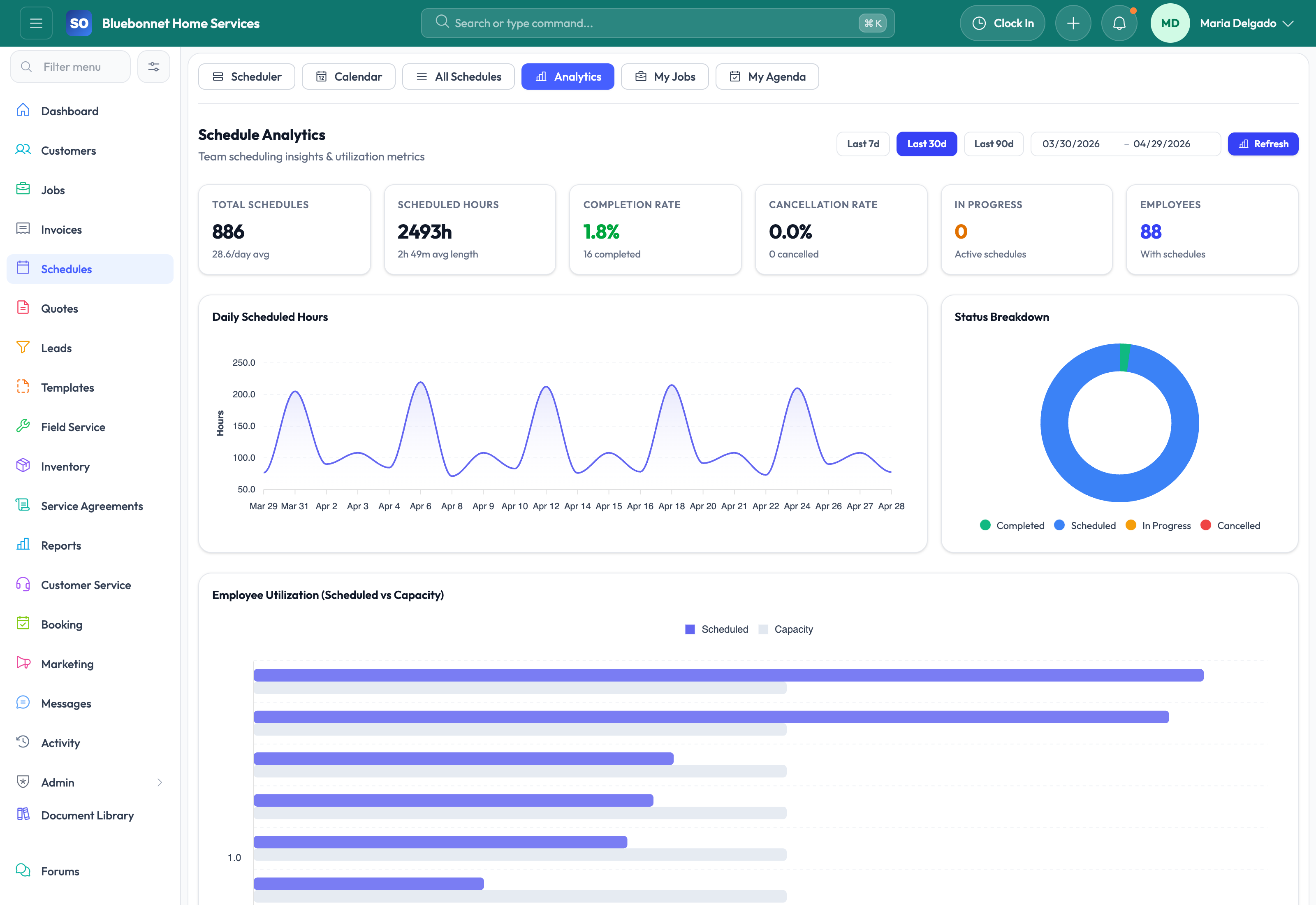
Calendar, scheduler, list, analytics, technician agendas, routing context, and schedule coordination.
Useful to the people doing the work
Where scheduling and dispatch fits
Dispatch
Plan the work with the right customer, crew, and schedule context.
Technician or crew
See what was promised and leave complete proof behind.
Service manager
Catch exceptions before they become callbacks or billing delays.
See scheduling and dispatch in Service Opus
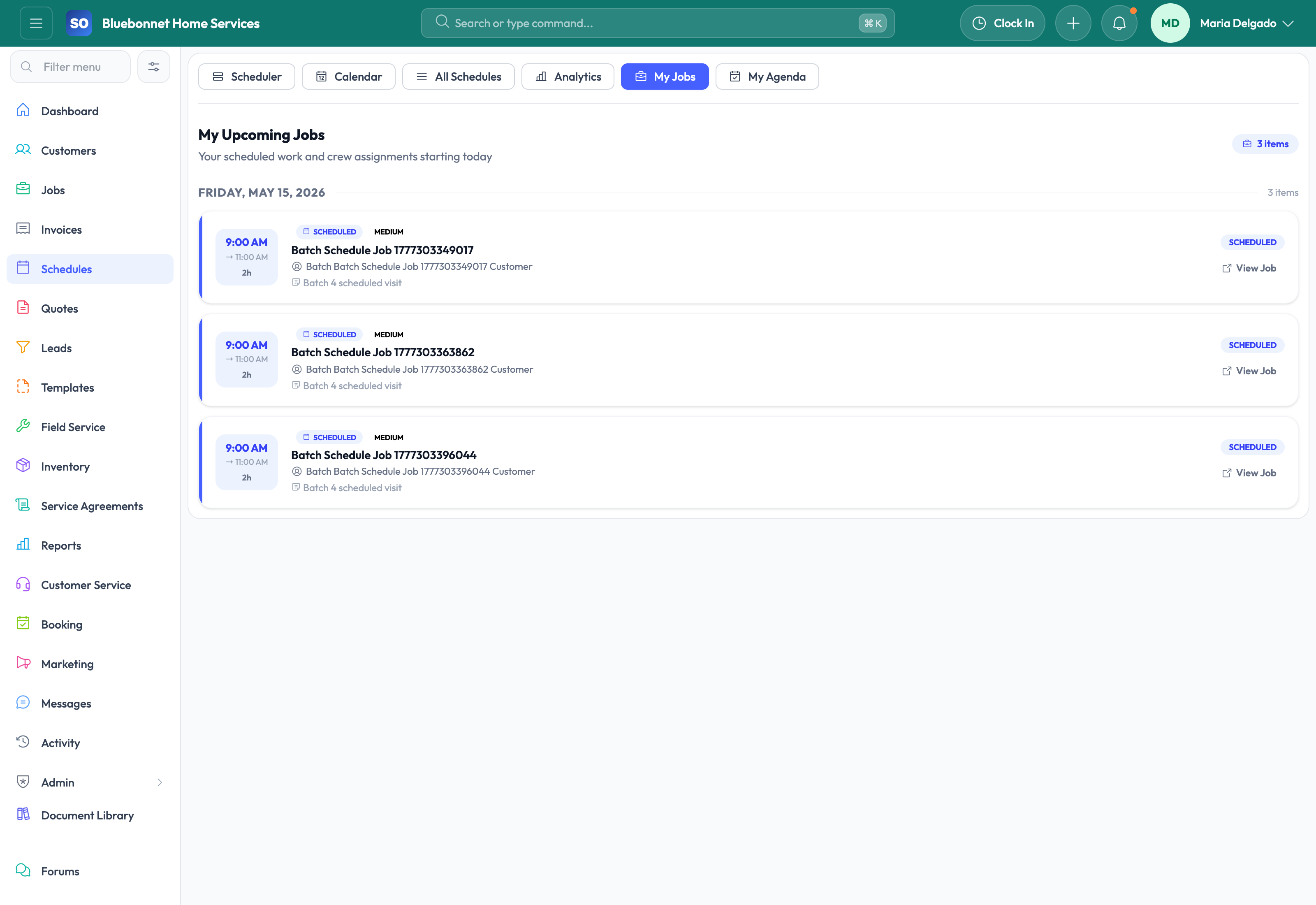
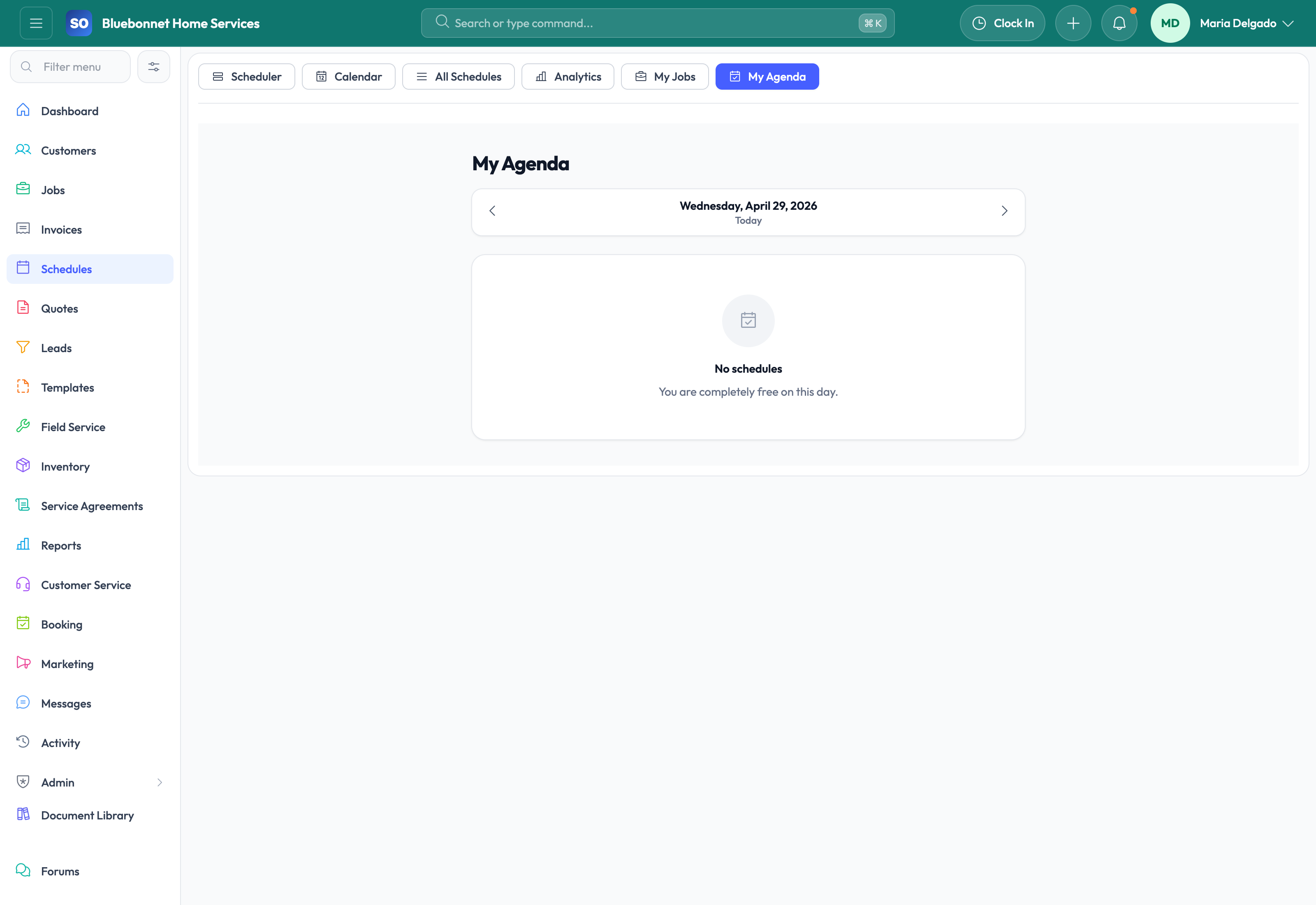
How the work moves
A practical way to run this workflow
Build a schedule that balances urgency, skill fit, travel, availability, and customer expectations.
Who uses it
- Dispatchers assigning technicians and crews.
- Service managers reviewing capacity and utilization.
- Technicians checking assigned work and agenda changes.
Set it up right
- Maintain employee skills, working hours, time off, territories, and crew availability.
- Keep job priority, estimated duration, service location, and required skill data current.
- Define rules for same-day changes, customer confirmations, and schedule locks.
Run the workflow
- Review unscheduled, urgent, and follow-up work first.
- Match each appointment to technician skills, availability, location, and route sequence.
- Use calendar, scheduler, and list views to resolve conflicts.
- Confirm appointment details and customer communication needs.
- Monitor the day for status changes, delays, and new emergency work.
- Close the loop by checking completion, time tracking, and job follow-up.
Do not let this slip
- No appointment is missing a technician, customer, location, or time window.
- Travel-heavy schedules are reviewed before dispatch.
- Technicians can see job context before arrival.
- Reschedules and cancellations are reflected in related customer and job records.
What it hands off to
- Jobs for work-order execution.
- Field Service for technician workflow.
- HR and Employees for availability and skills.
- Time Tracking for labor capture after work starts.
See it with your process
Walk through scheduling and dispatch using the way your company works today.
No generic slide deck. Bring a real handoff, problem, or operating question and see how the workflow fits.