
Keep the shop organized
Stop rebuilding the same document every time.
Reusable quote, invoice, receipt, document, onboarding, checklist, and content templates.
Useful to the people doing the work
Where templates fits
Office team
Keep shared work organized and easy for the next person to find.
Operations manager
Standardize handoffs and spot work that is waiting on someone.
Administrator
Maintain reliable structure without adding another side system.
See templates in Service Opus
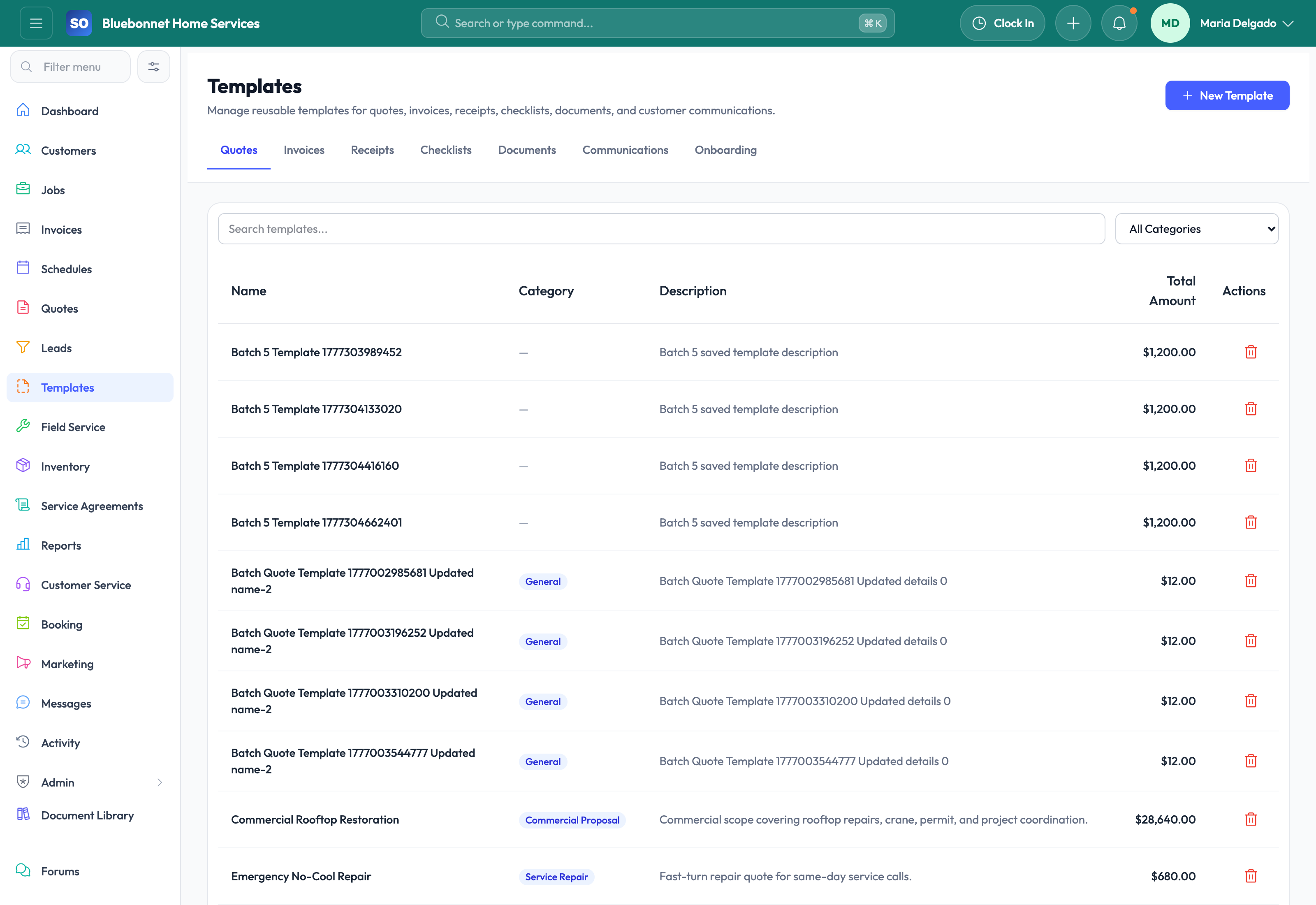
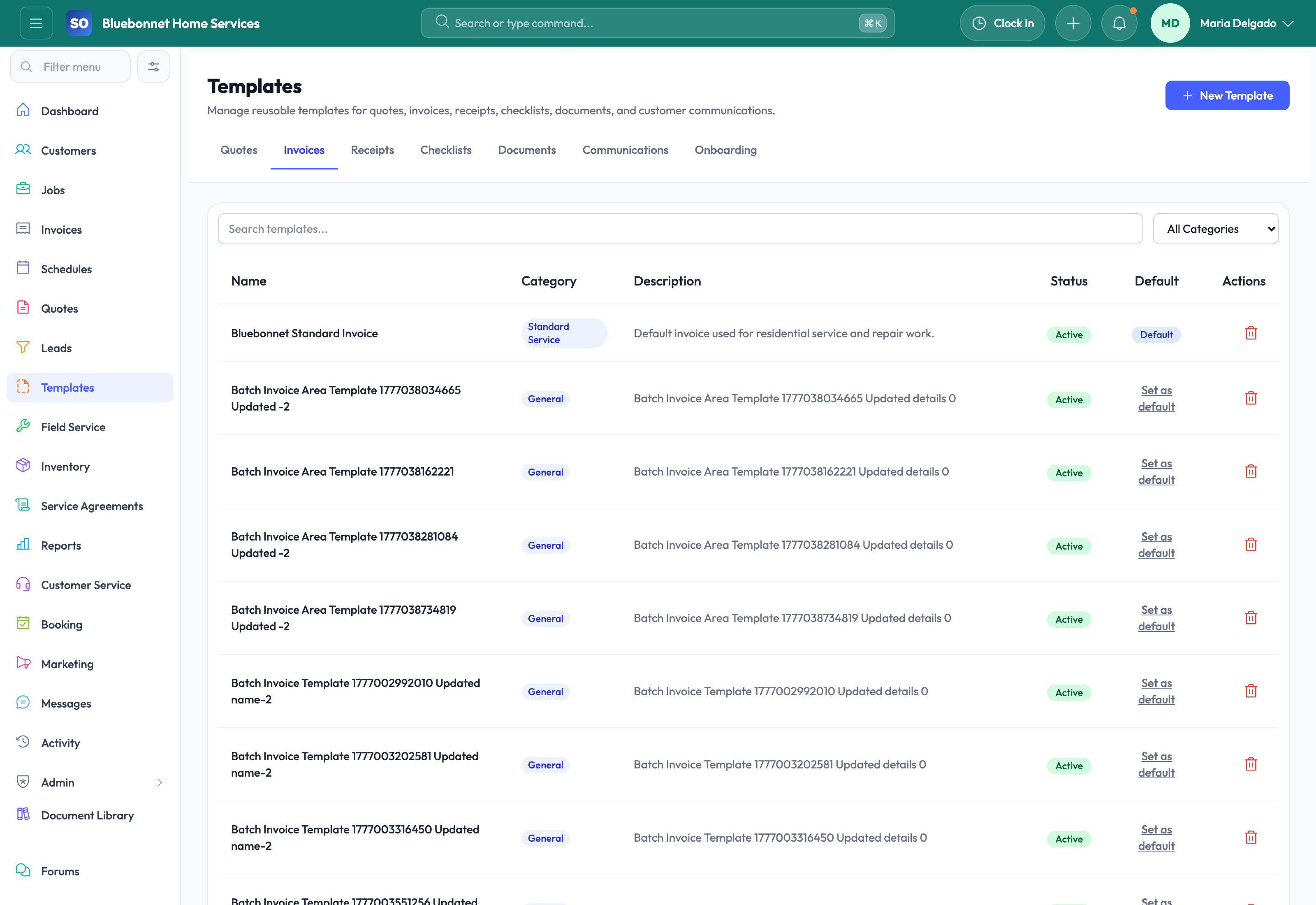
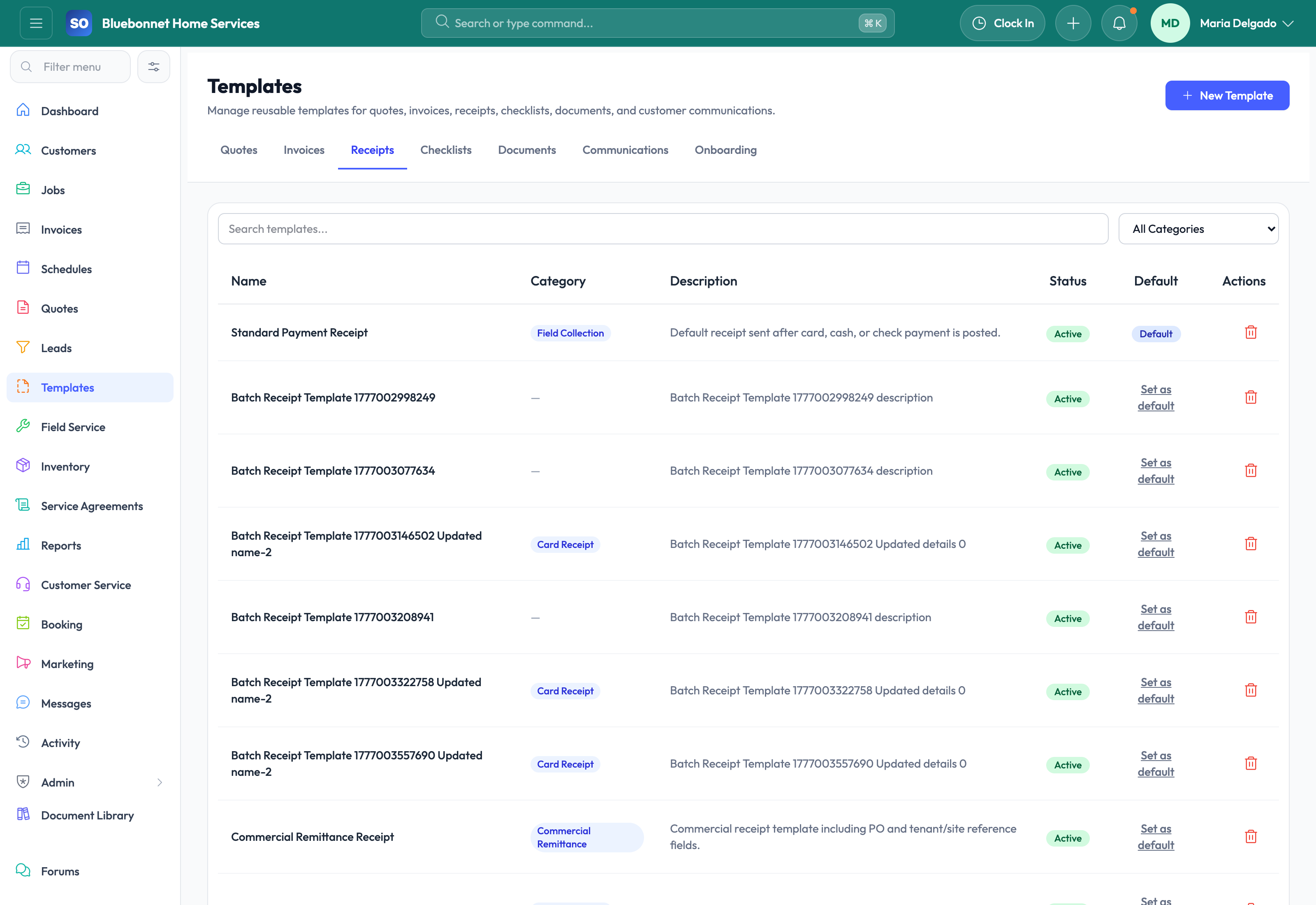
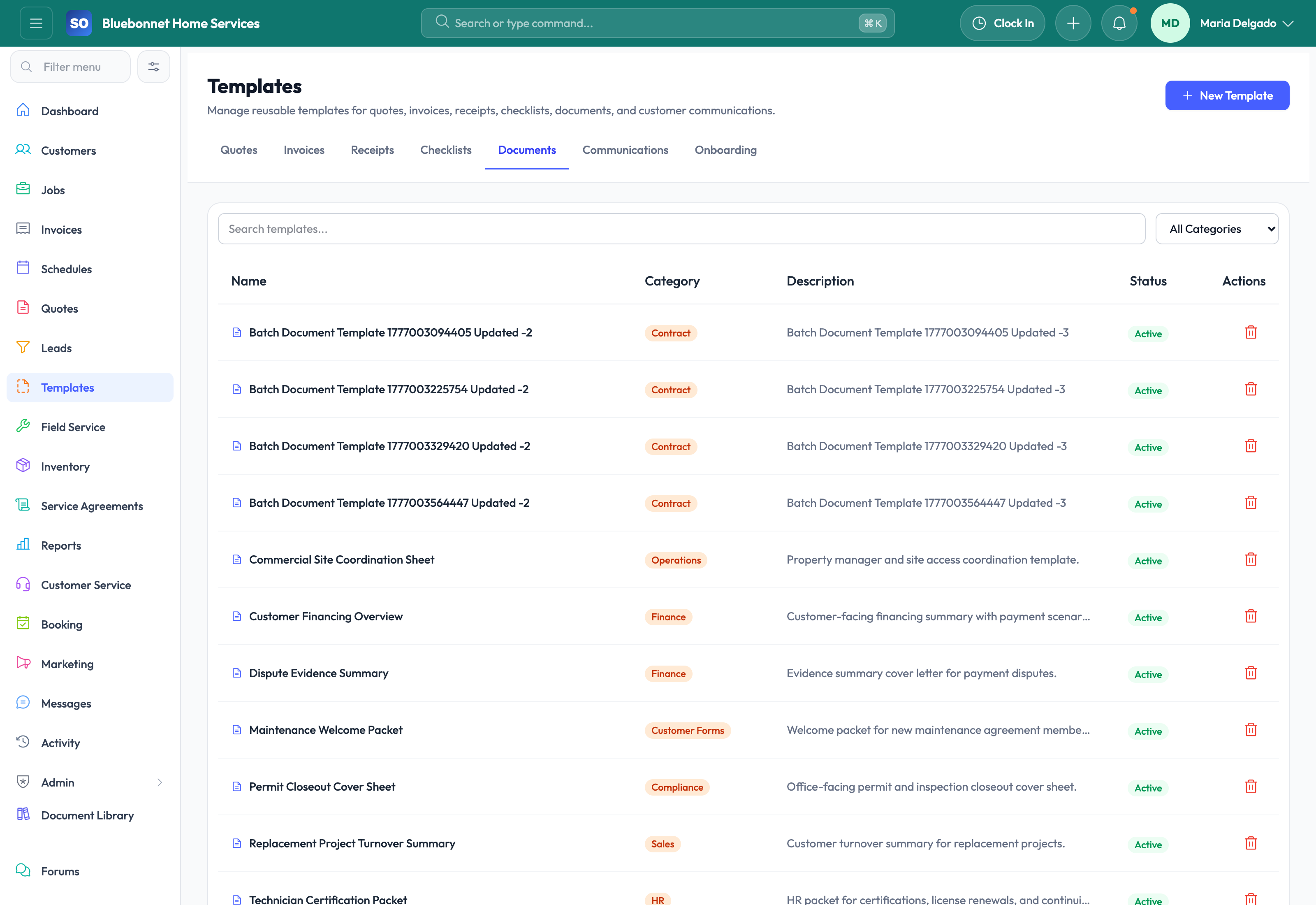
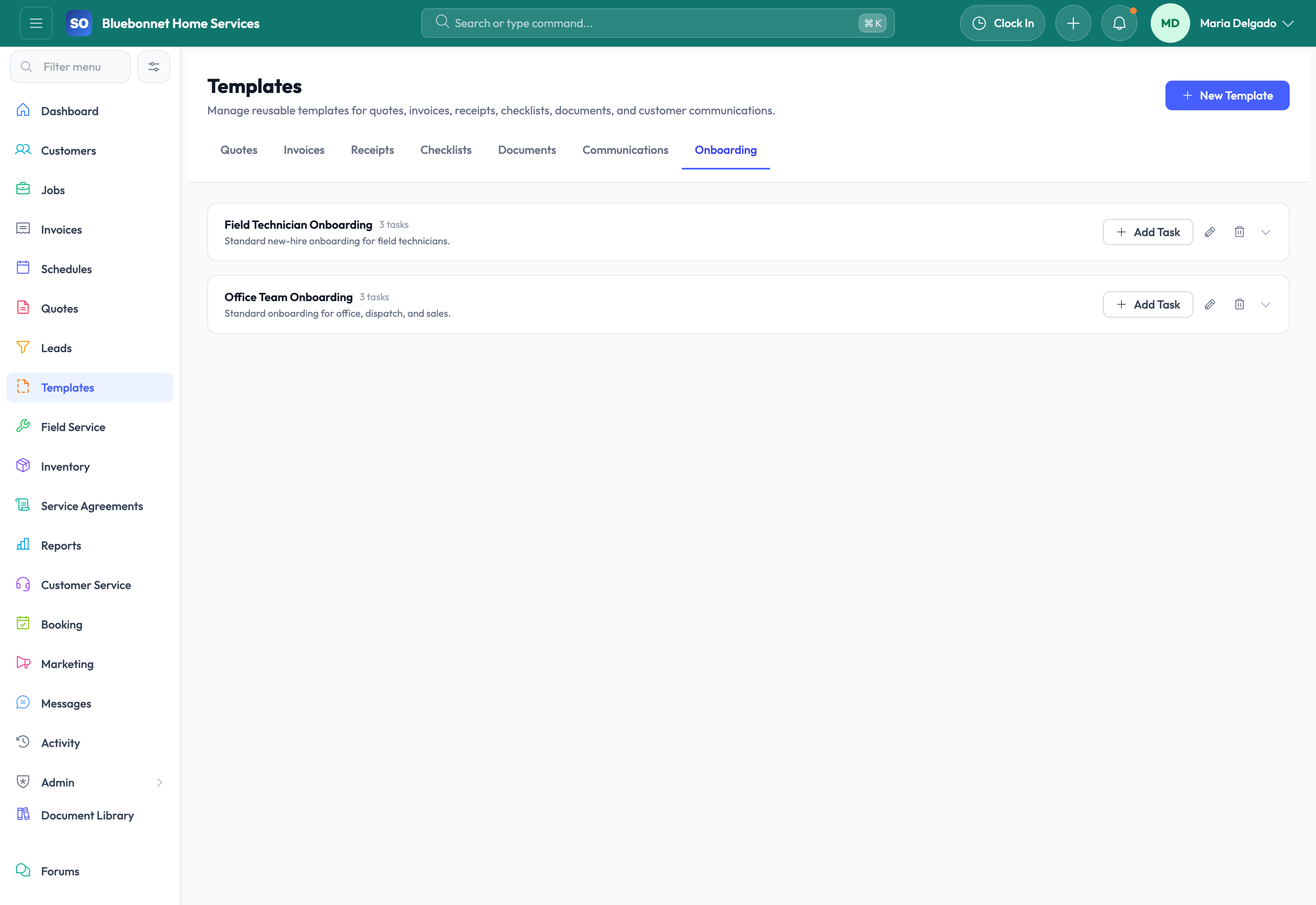
How the work moves
A practical way to run this workflow
Create reusable content that keeps quotes, invoices, receipts, documents, and onboarding consistent.
Who uses it
- Admins standardizing repeatable content.
- Sales and billing teams using approved wording and layouts.
- HR and operations teams creating onboarding or document packets.
Set it up right
- Identify high-volume documents and messages that should not be recreated manually.
- Confirm approved language for legal terms, exclusions, payment terms, and customer instructions.
- Decide who can create, edit, approve, and retire templates.
Run the workflow
- Choose the template type: quote, invoice, receipt, document, or onboarding.
- Build content with reusable sections, default wording, and required fields.
- Test the template with a real customer, quote, invoice, or employee example.
- Publish templates for approved use and retire outdated versions.
- Review template performance when workflows change or errors repeat.
Do not let this slip
- Templates use approved pricing, terms, tax wording, and customer instructions.
- Version changes are intentional and documented.
- Users know which template applies to each situation.
- Retired content is not used for new work.
What it hands off to
- Quotes and Estimating for sales proposal templates.
- Invoicing and Payments for billing and receipt templates.
- Documents and Media for reusable files.
- HR and Employees for onboarding templates.
See it with your process
Walk through templates using the way your company works today.
No generic slide deck. Bring a real handoff, problem, or operating question and see how the workflow fits.