
Build a business that holds up
Set the rules once so the team does not invent them daily.
Company profile, permissions, locations, calendar defaults, numbering, approvals, taxes, late fees, and rules.
Useful to the people doing the work
Where settings and config fits
Administrator
Set up the rules, access, and records the rest of the company relies on.
Manager
Keep team readiness, ownership, and exceptions visible.
Owner
Reduce avoidable risk while keeping the company practical to run.
See settings and config in Service Opus
How the work moves
A practical way to run this workflow
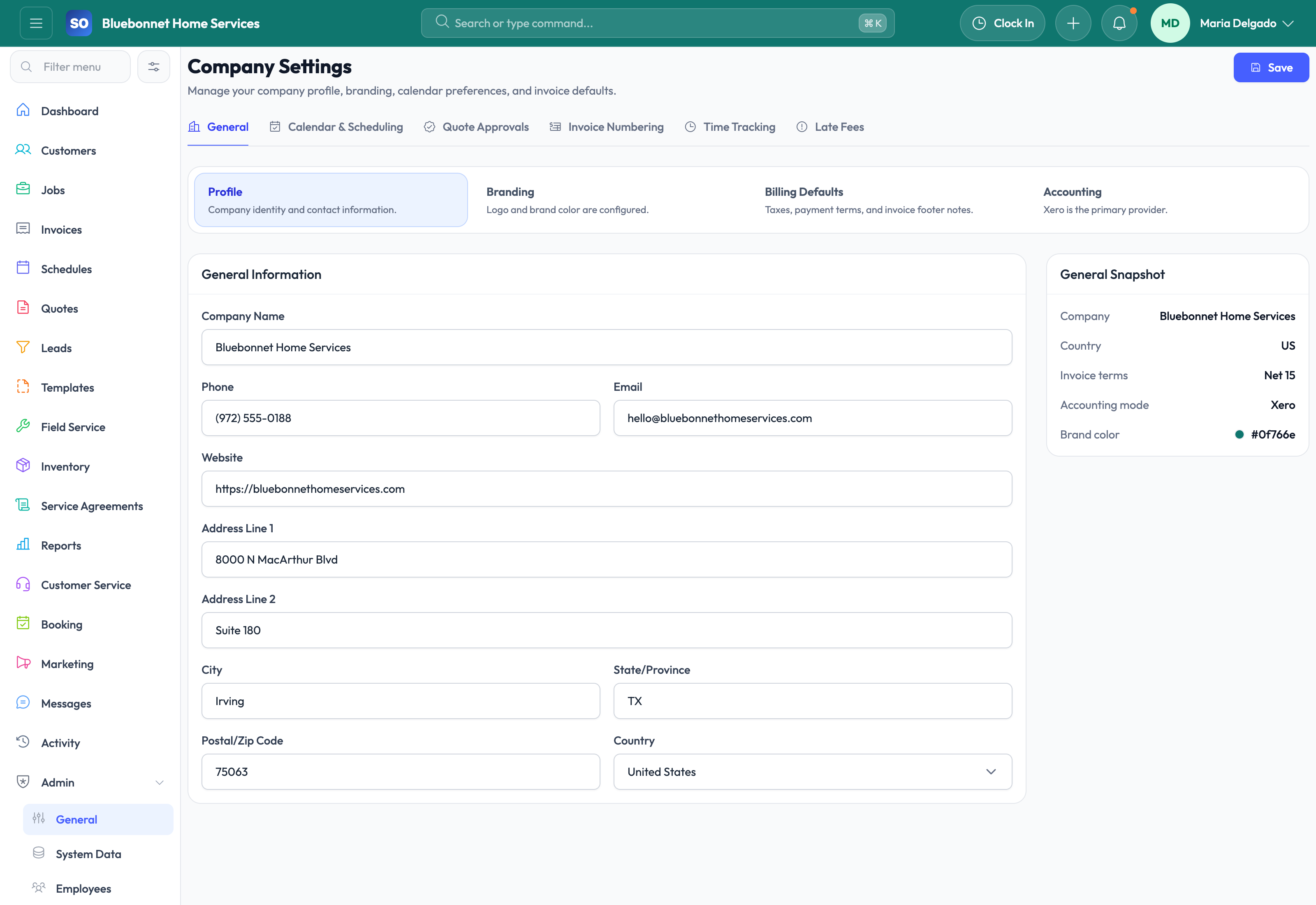
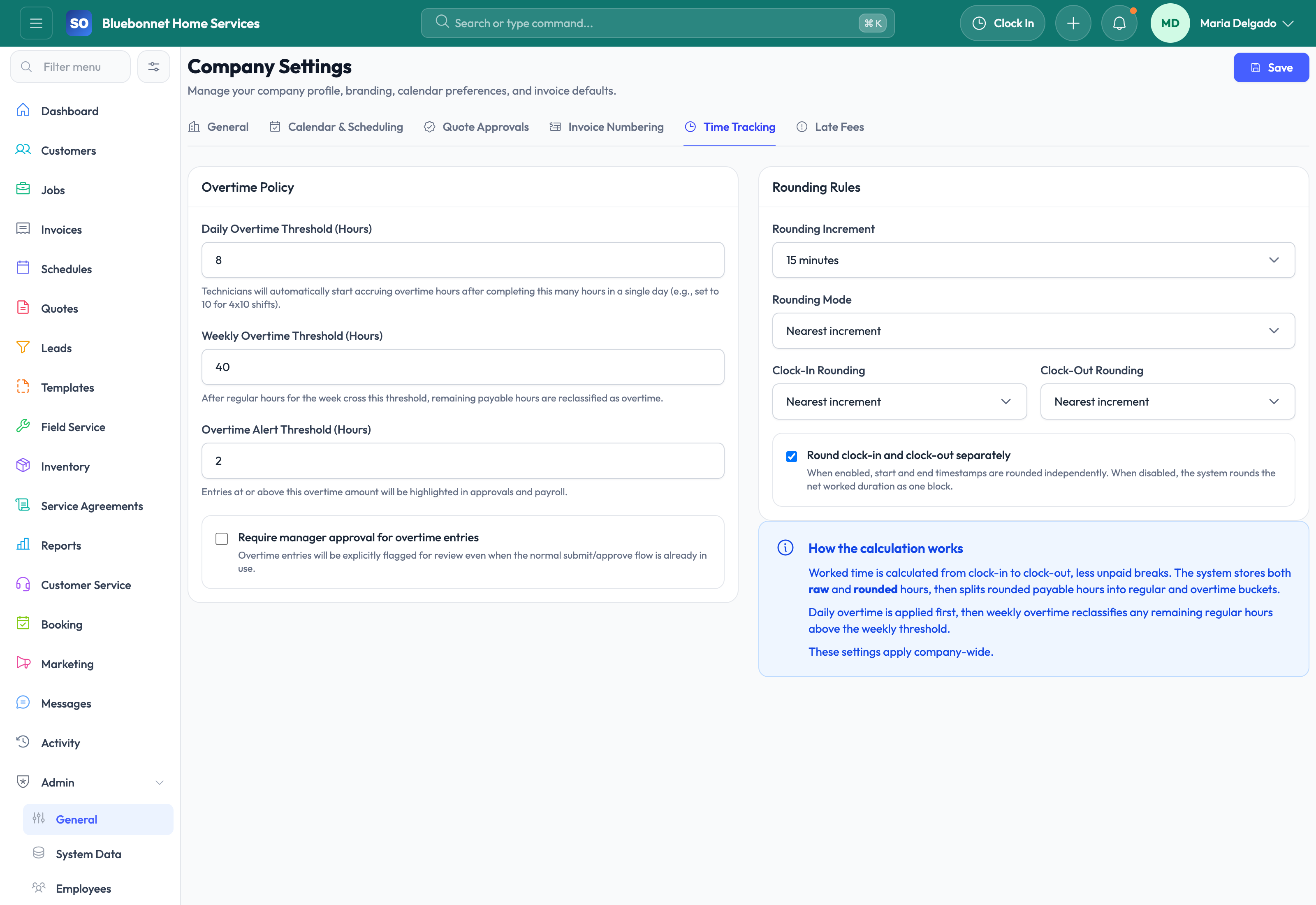
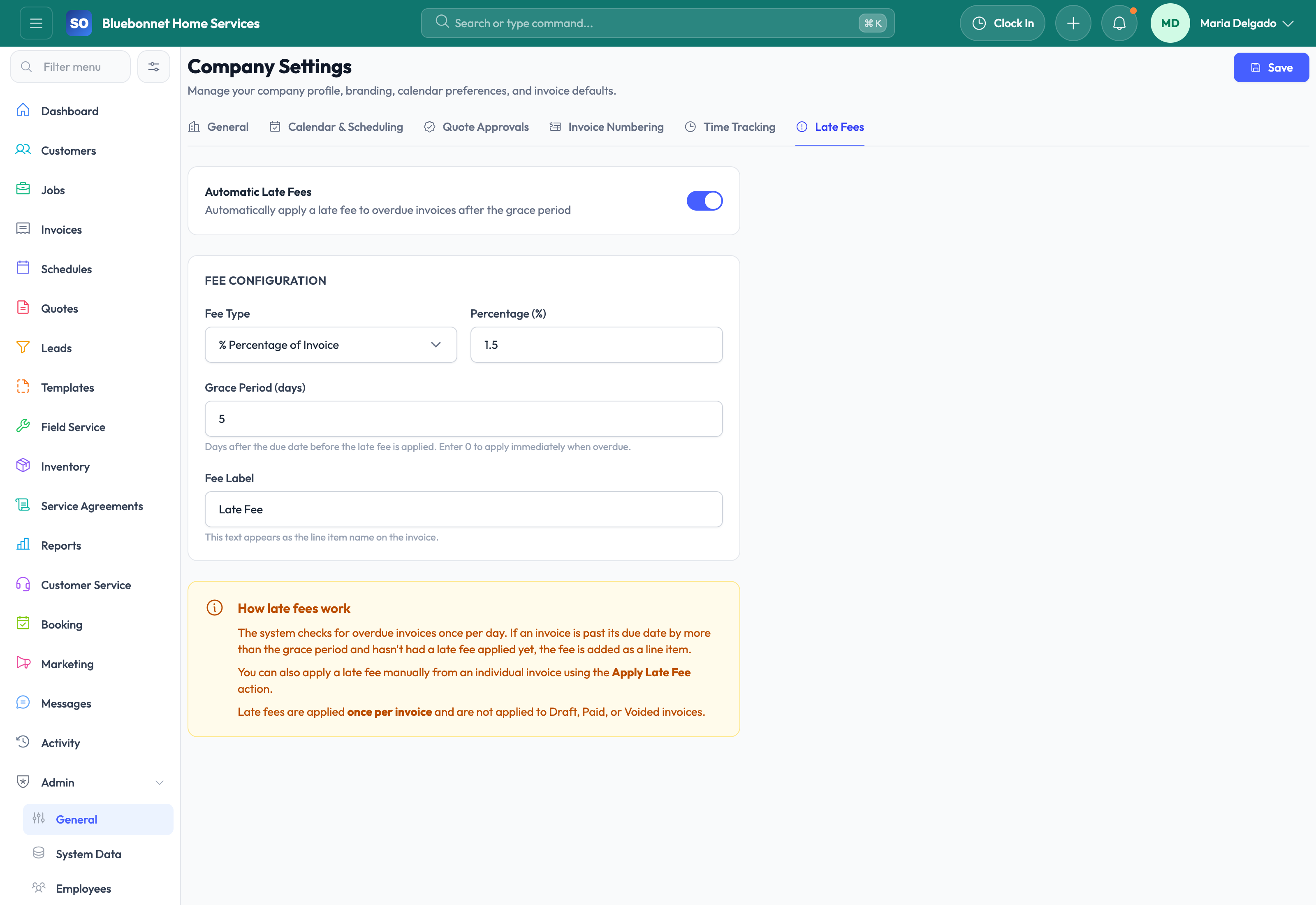
Configure the company rules, permissions, defaults, templates, and policies that shape every workflow.
Who uses it
- Admins setting up the business account.
- Managers defining operational and financial controls.
- Implementation teams preparing rollout.
Set it up right
- Gather company profile, branding, calendar, billing, tax, accounting, approval, and user-role decisions.
- Decide which defaults are global and which should vary by team, location, or workflow.
- Schedule settings changes outside peak operating hours when they affect live work.
Run the workflow
- Review company profile, branding, locations, roles, and permissions.
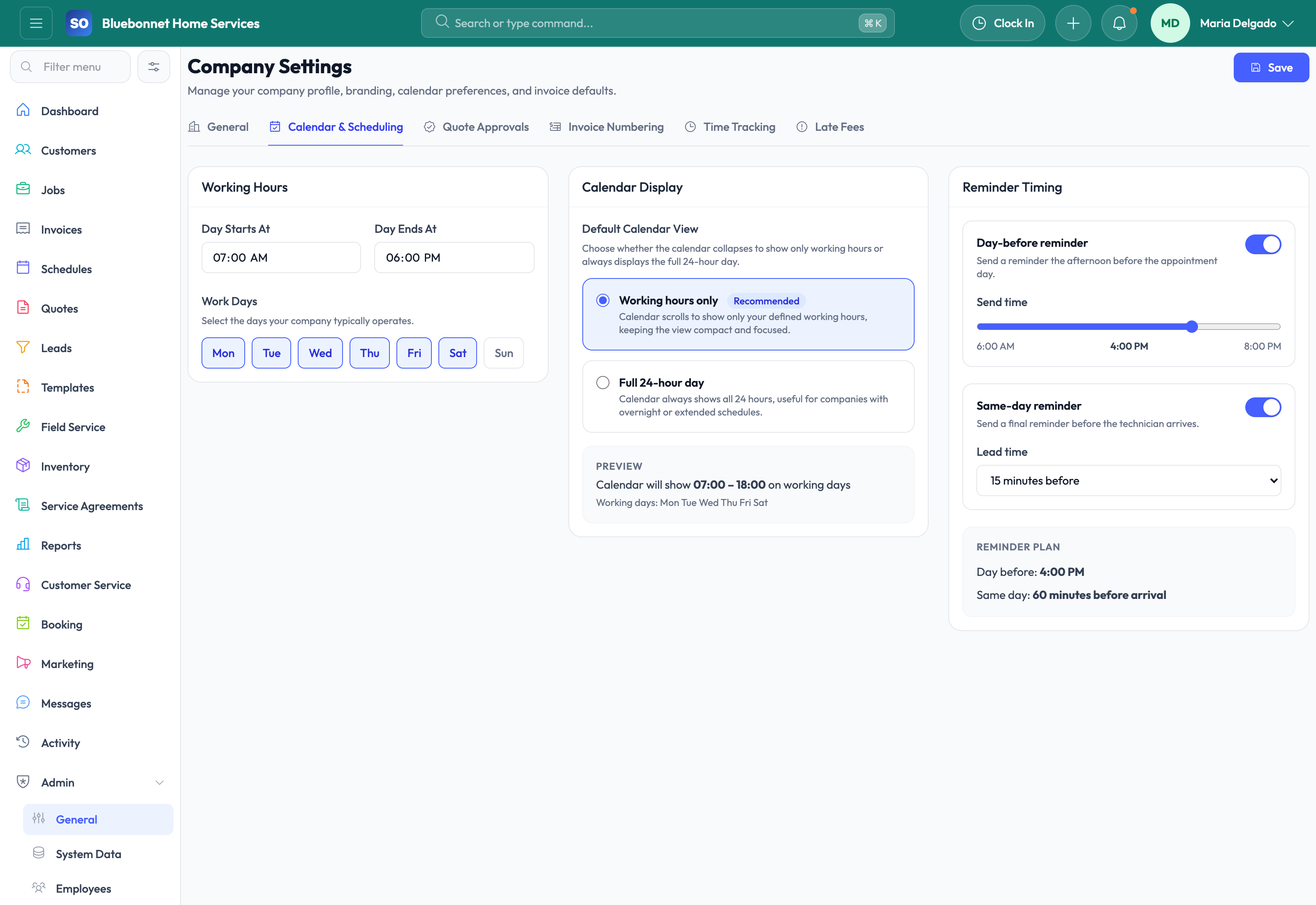
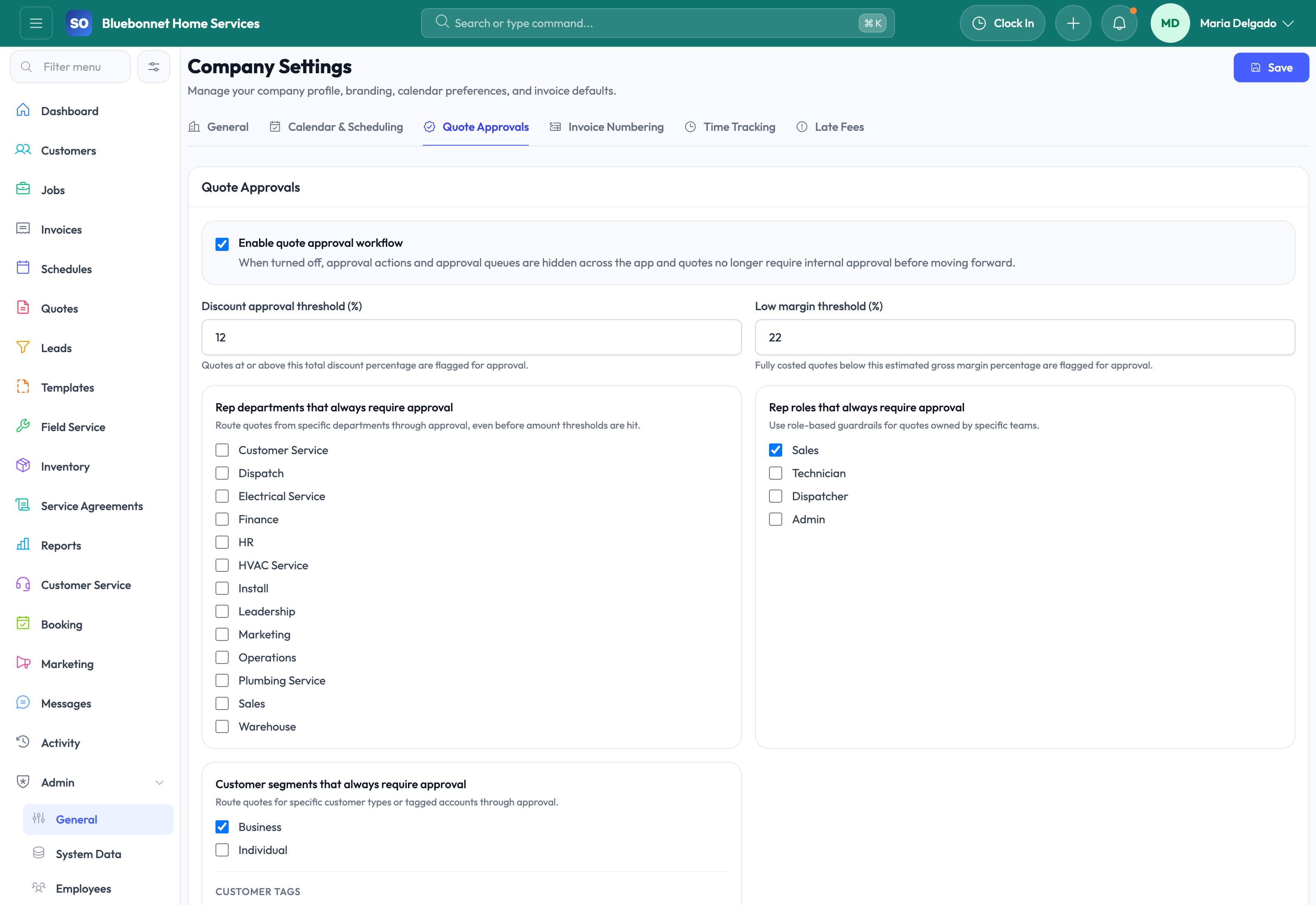
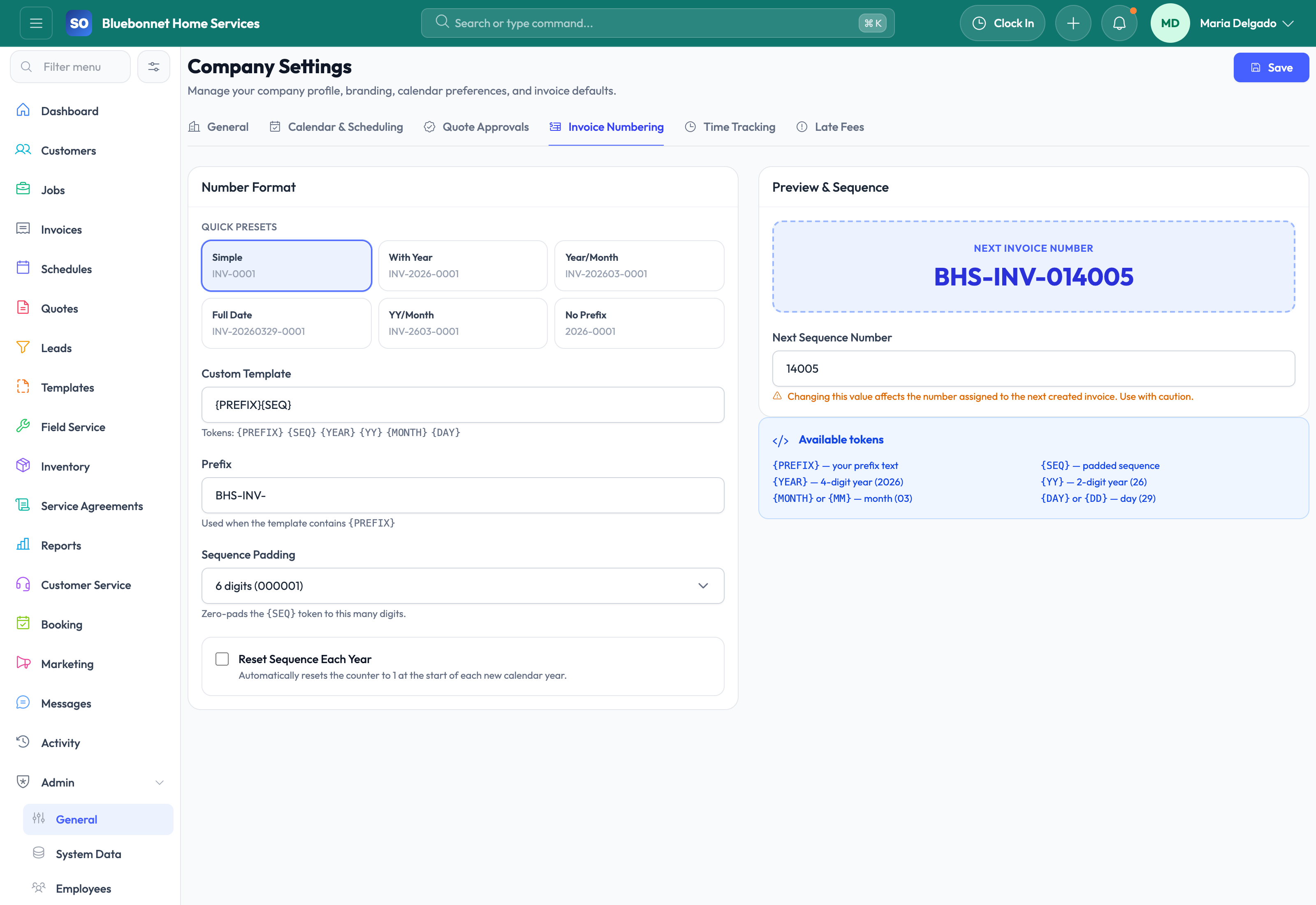
- Configure calendar, scheduling, quote approval, invoice numbering, time tracking, late fees, and accounting defaults.
- Set templates and workflow rules that support your operating process.
- Test changes using a representative customer, quote, job, and invoice.
- Review audit history after major configuration changes.
Do not let this slip
- Settings match current operating policy before users rely on them.
- Permission changes are reviewed with managers.
- Financial numbering, tax, late fee, and accounting settings are tested carefully.
- Configuration changes are documented for support and training.
What it hands off to
- History and Audit for change review.
- Accounting for financial defaults.
- Templates and Workflows for process standardization.
- HR and Employees for roles, permissions, and teams.
See it with your process
Walk through settings and config using the way your company works today.
No generic slide deck. Bring a real handoff, problem, or operating question and see how the workflow fits.