
Run a better service day
Keep the whole job on one work order.
Work orders for scope, crew, materials, notes, documents, photos, closeout, safety, and billing handoff.
Useful to the people doing the work
Where job management fits
Dispatch
Plan the work with the right customer, crew, and schedule context.
Technician or crew
See what was promised and leave complete proof behind.
Service manager
Catch exceptions before they become callbacks or billing delays.
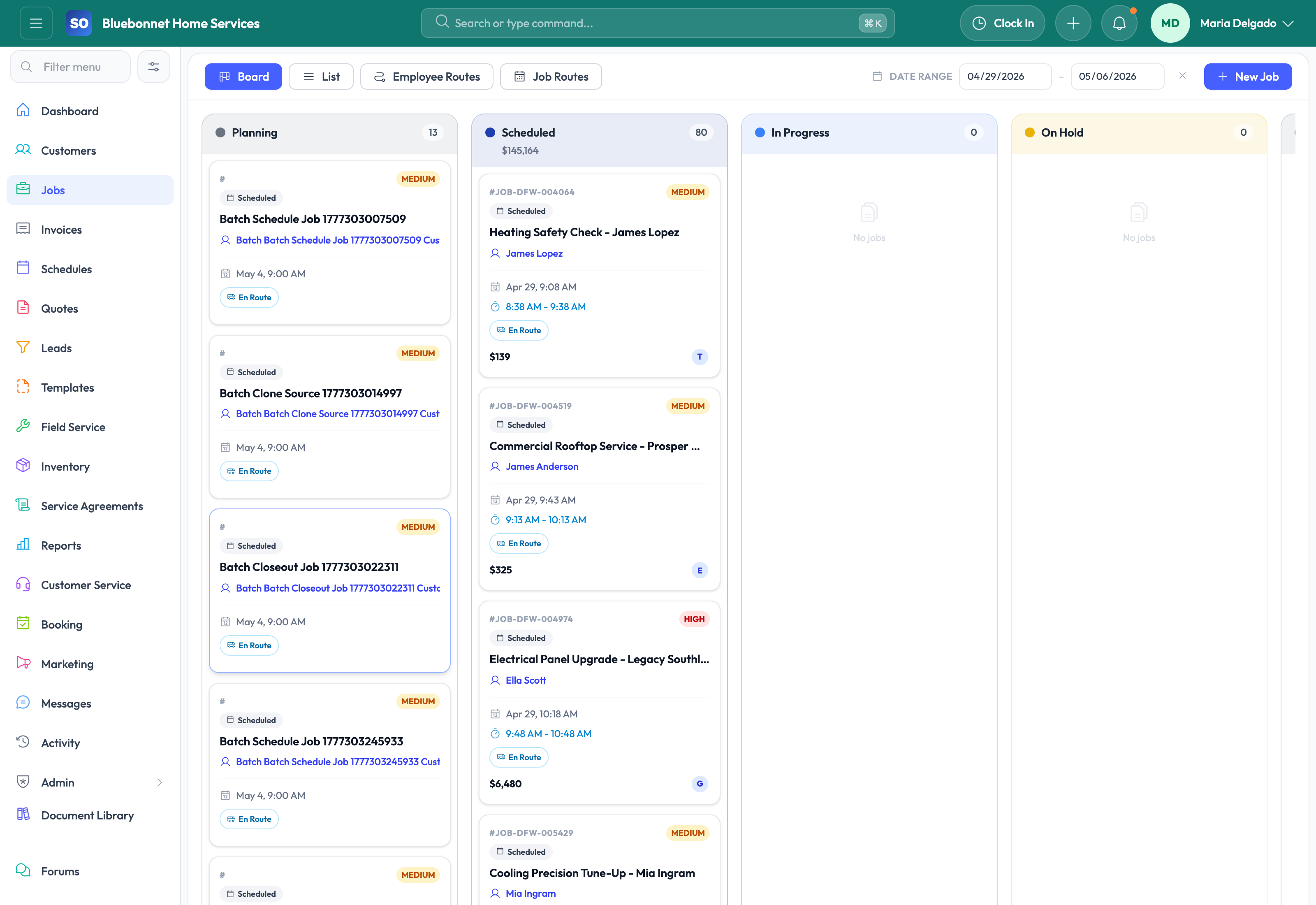
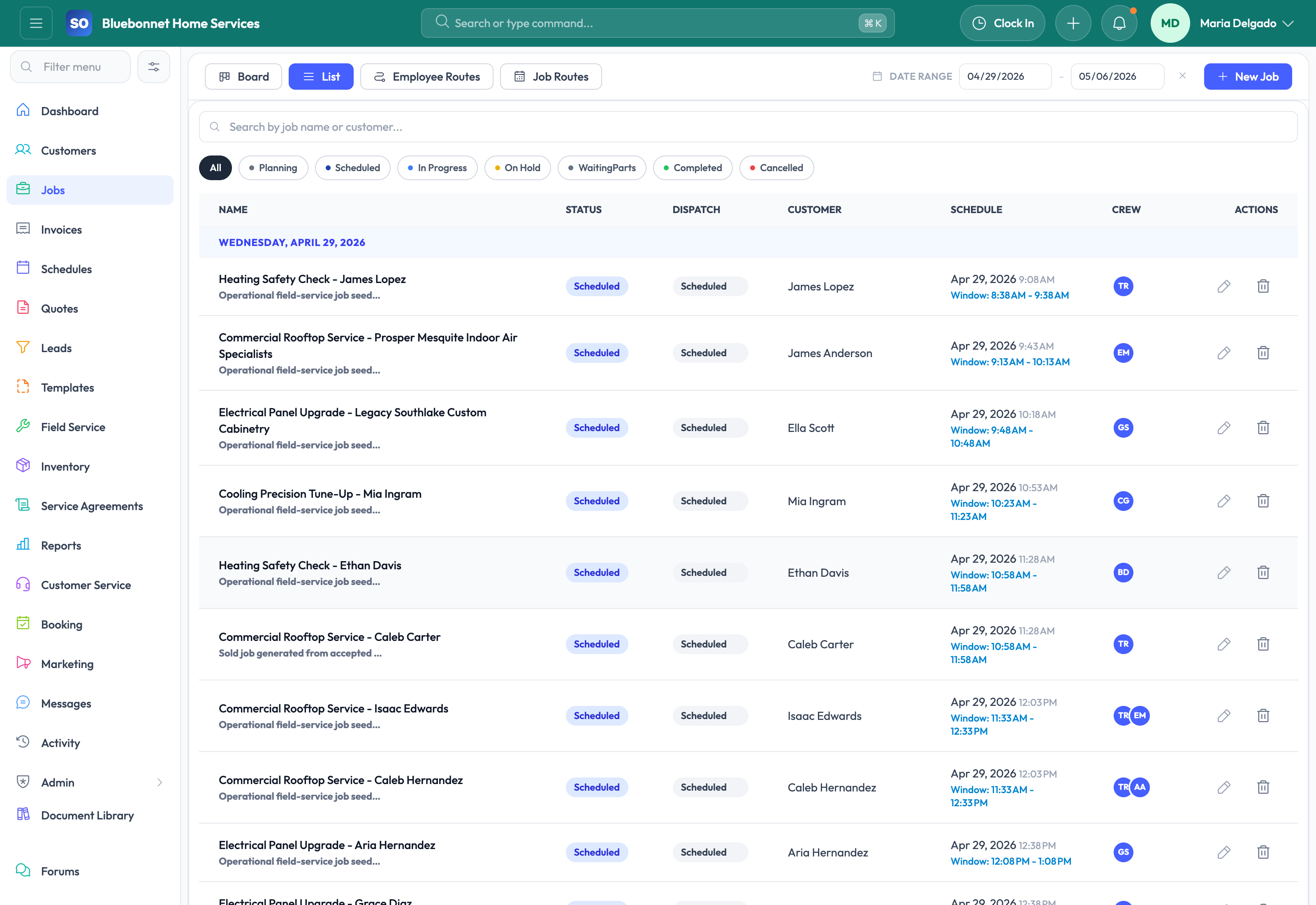
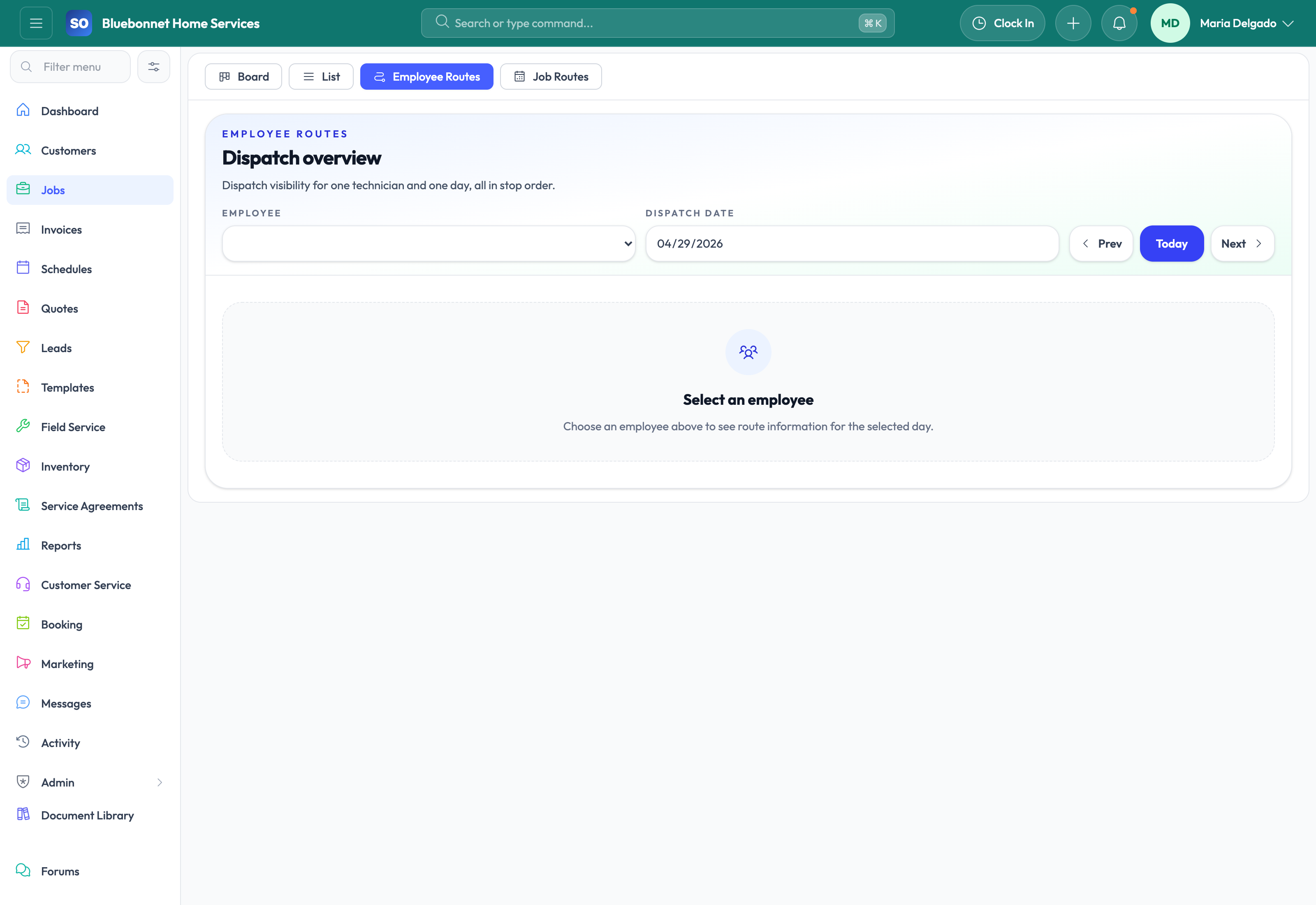
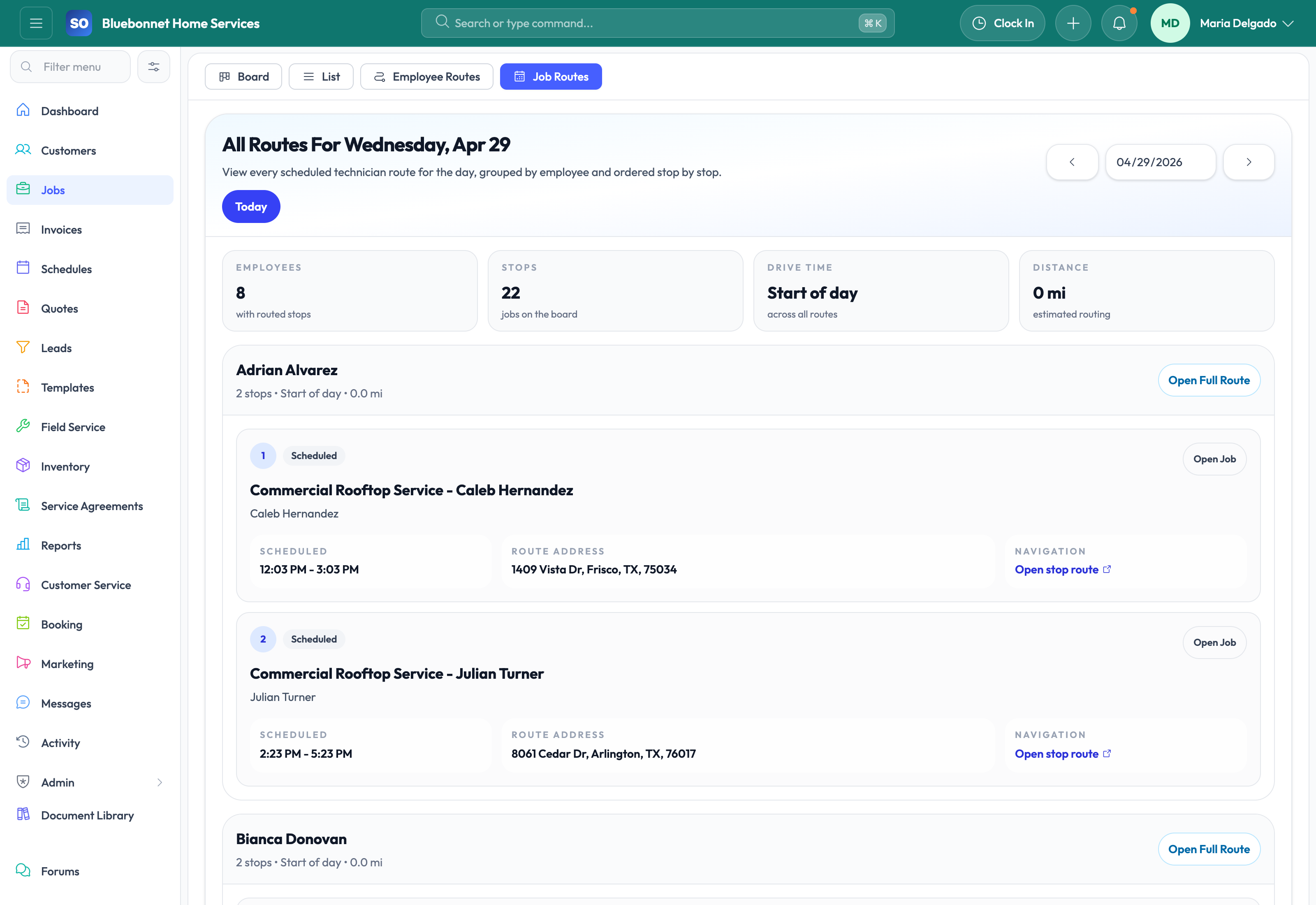
See job management in Service Opus
How the work moves
A practical way to run this workflow
Manage each work order from scope and assignment through field execution, closeout, and billing handoff.
Who uses it
- Service managers overseeing job status and exceptions.
- Dispatchers coordinating assigned work.
- Technicians and office teams updating completion, notes, photos, and billing details.
Set it up right
- Define job statuses, required fields, closeout requirements, and billing triggers.
- Confirm customers, locations, contacts, asset details, and service scope before dispatch.
- Prepare checklist, document, inventory, and time-tracking expectations.
Run the workflow
- Create the job from an accepted quote, booking request, lead, agreement visit, or direct service request.
- Set customer, location, scope, priority, estimated duration, required skills, and billing type.
- Schedule the job and assign technicians or crews.
- Track status, notes, photos, checklist completion, materials, time, and customer signatures.
- Review closeout details and convert completed work into invoice-ready billing.
Do not let this slip
- Scope and completion notes are clear enough for billing and customer service.
- Required photos, signatures, checklists, and documents are attached.
- Material and labor usage is recorded before billing.
- Closed jobs have no unresolved schedule or customer follow-up.
What it hands off to
- Scheduling and Dispatch for technician assignment.
- Field Service for mobile execution.
- Inventory for material issue and return.
- Invoicing and Payments for billing.
See it with your process
Walk through job management using the way your company works today.
No generic slide deck. Bring a real handoff, problem, or operating question and see how the workflow fits.