
Keep the shop organized
Automate the reminder without losing the owner.
Rules and automation for repeatable alerts, handoffs, status changes, and follow-up.
Useful to the people doing the work
Where workflows fits
Office team
Keep shared work organized and easy for the next person to find.
Operations manager
Standardize handoffs and spot work that is waiting on someone.
Administrator
Maintain reliable structure without adding another side system.
See workflows in Service Opus
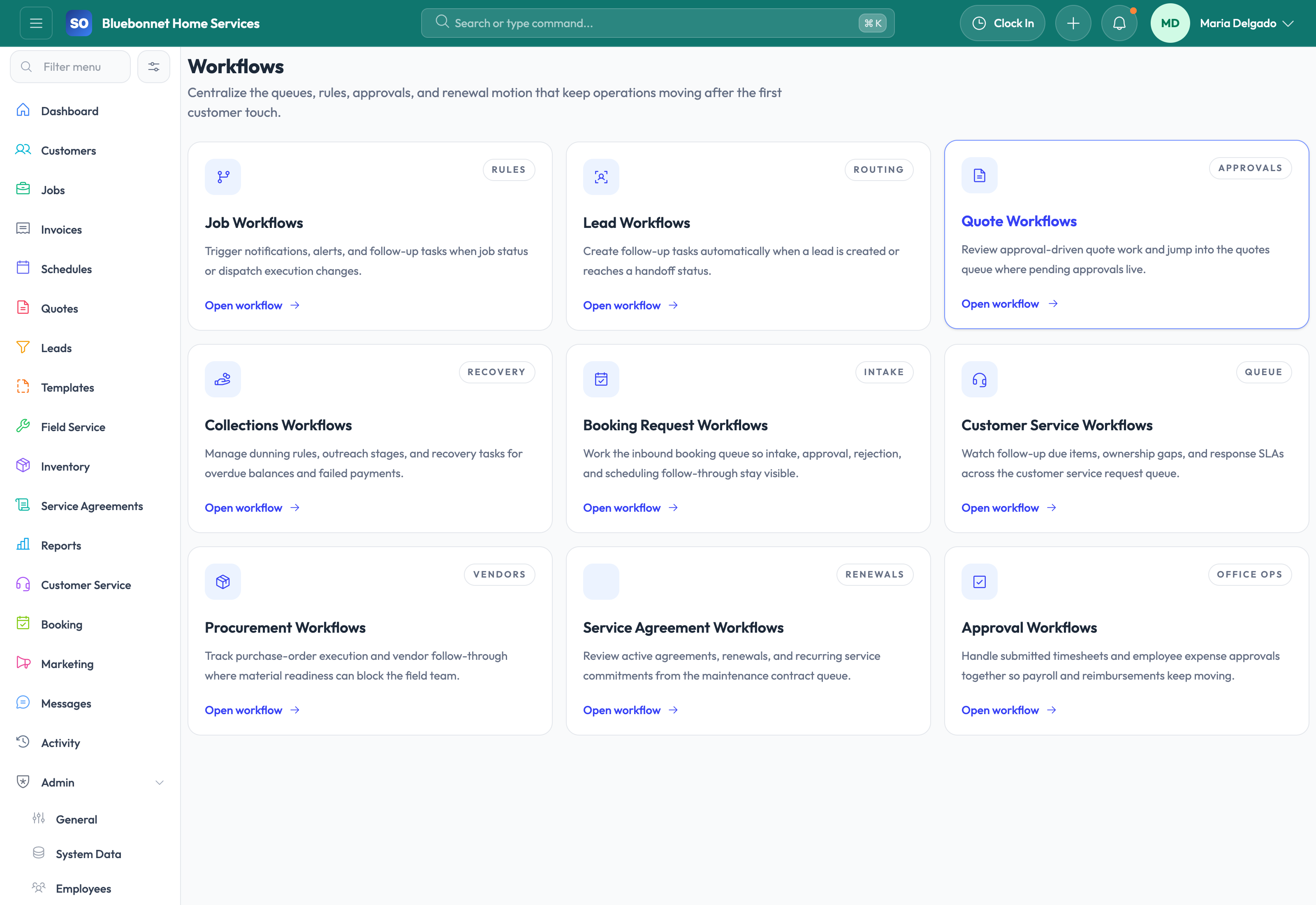
How the work moves
A practical way to run this workflow
Automate repeatable alerts, assignments, reminders, and status-based actions without losing human control.
Who uses it
- Admins and operations managers defining repeatable process rules.
- Dispatch, sales, and billing teams receiving automated prompts.
- Owners reducing missed follow-up and manual handoffs.
Set it up right
- Identify trigger events such as lead status, job status, invoice aging, agreement renewal, or checklist result.
- Define the action, owner, timing, message, and exception path.
- Start with high-value workflows before automating edge cases.
Run the workflow
- Choose the business event that should trigger the workflow.
- Set conditions so the workflow applies only to the right records.
- Define actions such as notification, task creation, owner assignment, or message send.
- Test the workflow on sample records before broad use.
- Review workflow results and adjust when alerts become noisy or incomplete.
Do not let this slip
- Every workflow has a clear owner and business purpose.
- Automated actions do not conflict with manual review policies.
- Failed or skipped actions are visible for follow-up.
- Rules are reviewed after process, staffing, or compliance changes.
What it hands off to
- Leads for sales follow-up automation.
- Jobs and Scheduling for status and dispatch alerts.
- Invoicing and Payments for collection reminders.
- Compliance for expiration and risk notifications.
See it with your process
Walk through workflows using the way your company works today.
No generic slide deck. Bring a real handoff, problem, or operating question and see how the workflow fits.