Capture labor accurately enough for payroll, job costing, overtime control, and technician accountability.
See it in action
Labor is one of the biggest cost drivers in a trades business, but many teams still track it loosely or reconcile it after the fact. That makes payroll messy and job profitability harder to trust. Service Opus connects time directly to jobs, breaks, approval workflows, and payroll summaries so labor data becomes useful while the work is still happening, not just after the pay period closes.
Business Needs It Solves
Accurate labor costing: Jobs need real labor hours attached to them so margins are based on reality, not guesswork.
Cleaner payroll preparation: Managers need timesheets, approvals, and overtime visibility without chasing handwritten notes.
Field accountability: Clock-in, clock-out, breaks, and location data should create a trustworthy audit trail.
Better labor decisions: Owners need to see how hours are distributed by employee, job, and pay period before labor issues compound.
How Service Opus Helps
Job-linked time entries: Record start time, end time, notes, and employee attribution directly against the work being performed.
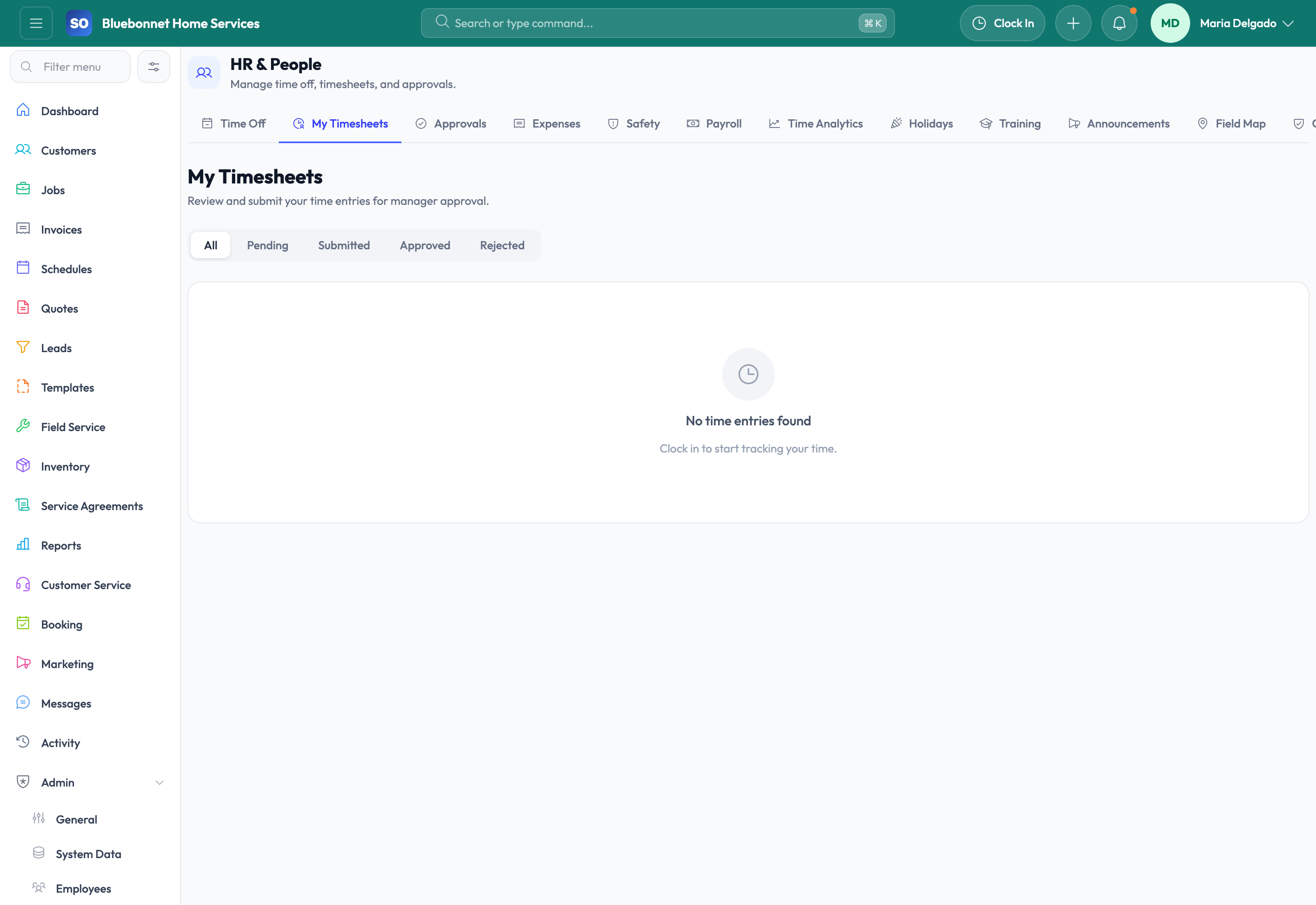
Clock in and out workflow: Use a live timer, auto-associate the current job when appropriate, and reduce manual entry at the end of the day.
GPS capture: Store clock-in and clock-out coordinates to create a stronger audit trail for field activity.
Break tracking: Track rest, meal, and other breaks inside the same time session so payable time stays more accurate.
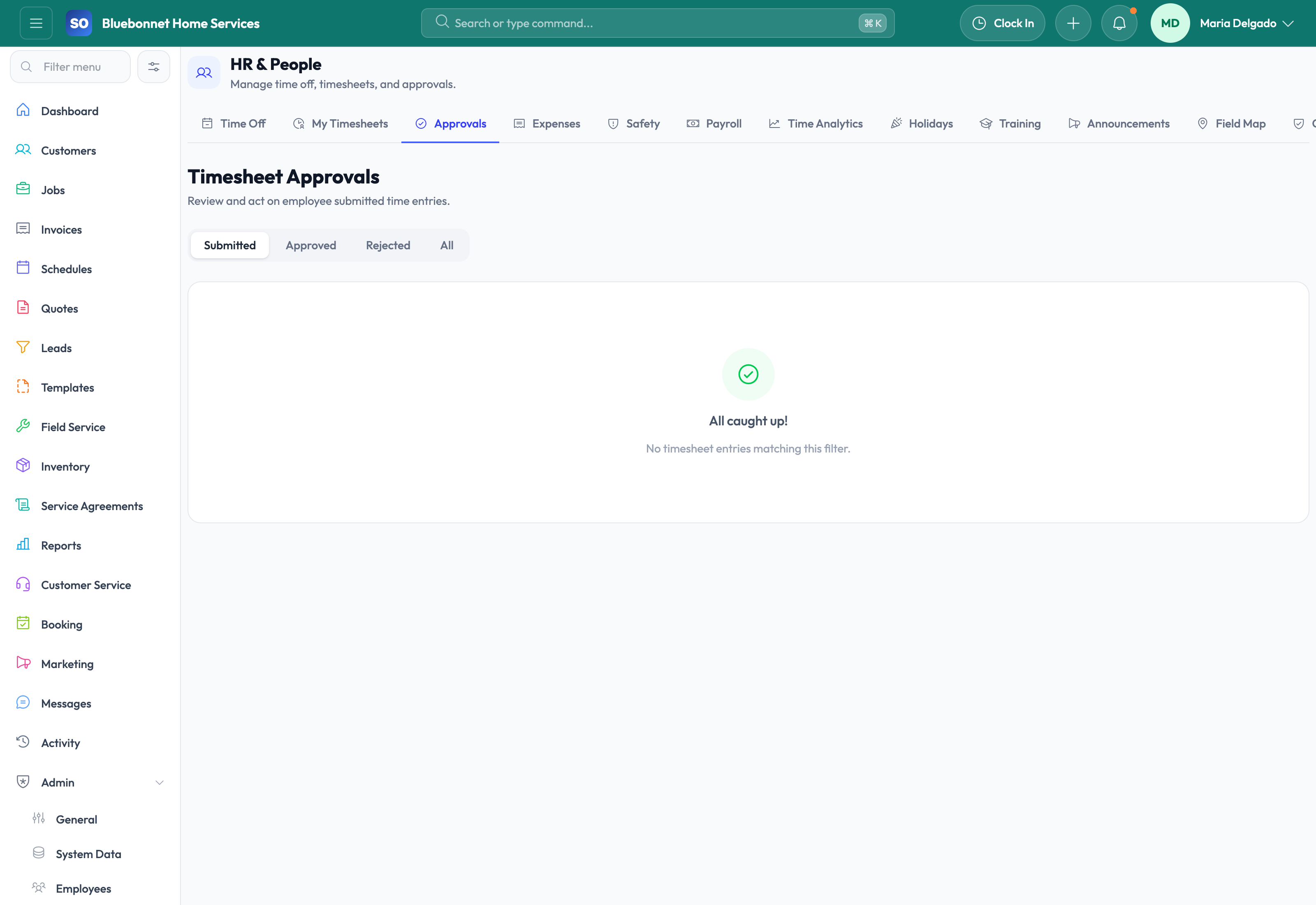
Timesheet submission and approval: Employees can submit time for review and managers can approve or reject entries with notes.
Rounding and overtime controls: Company settings can apply rounding rules, overtime thresholds, alerts, and approval-required flags.
Payroll summary support: Roll approved time into payroll summaries and CSV export with visibility into regular hours, overtime, and gross pay.
What Better Time Tracking Delivers
When labor is captured accurately, you can trust job profitability more, estimate future work more intelligently, and spend less time cleaning up payroll exceptions. Service Opus is particularly useful for teams that want job costing and payroll visibility to come from the same source instead of separate tools.
Operational insight: Accurate time entries make quote margin reviews, schedule utilization decisions, and job profitability reporting much more trustworthy.
User Guide
Capture labor accurately for payroll review, job costing, utilization, and accountability.
Best For
Technicians and employees entering work time.
Supervisors reviewing approvals and exceptions.
Managers comparing labor to jobs, schedules, and payroll needs.
Before You Start
Define pay periods, time categories, rounding rules, overtime policies, and approval owners.
Make sure employees are active, assigned to the right teams, and linked to work where needed.
Clarify when travel, shop, job, admin, and training time should be recorded.
Recommended Workflow
Employees enter or clock time against jobs, activities, or work categories.
Supervisors review missing entries, overlaps, exceptions, and overtime risk.
Employees correct rejected entries with supporting notes.
Approved time is used for job costing, payroll context, and utilization reporting.
Managers review trends for underbilling, idle time, or staffing constraints.
Review Checklist
Time entries match schedule and job status history.
Rejected entries include a clear reason.
Approvals are completed before payroll deadlines.
Job-cost labor is reviewed before invoice or profitability reporting.
Common Handoffs
Jobs for labor context.
Scheduling and Dispatch for planned time comparison.
HR and Employees for employee setup.
Reporting and Analytics for utilization and labor trends.
Ready to apply this workflow?
Use the guide to evaluate fit, then start a trial or talk through how Service Opus maps to your team, trade, and current operating process.